> ## Documentation Index
> Fetch the complete documentation index at: https://docs.jitra.app/llms.txt
> Use this file to discover all available pages before exploring further.
# Getting Started with the Jitra API
> Start an API integration by defining the data requirement, access scope, client ownership, and quota before issuing a credential.
Start an API integration by defining the data requirement, access scope, client ownership, and quota before issuing a credential.
## What to Check
1. Identify the approved use case and responsible owner.
2. Confirm the Organization and Objects in scope.
3. Create a short-lived API Key for initial testing.
4. Use the current API Reference for endpoints and schemas.
5. Monitor Integration usage and handle errors without exposing secrets.
## Current Jitra Workflow
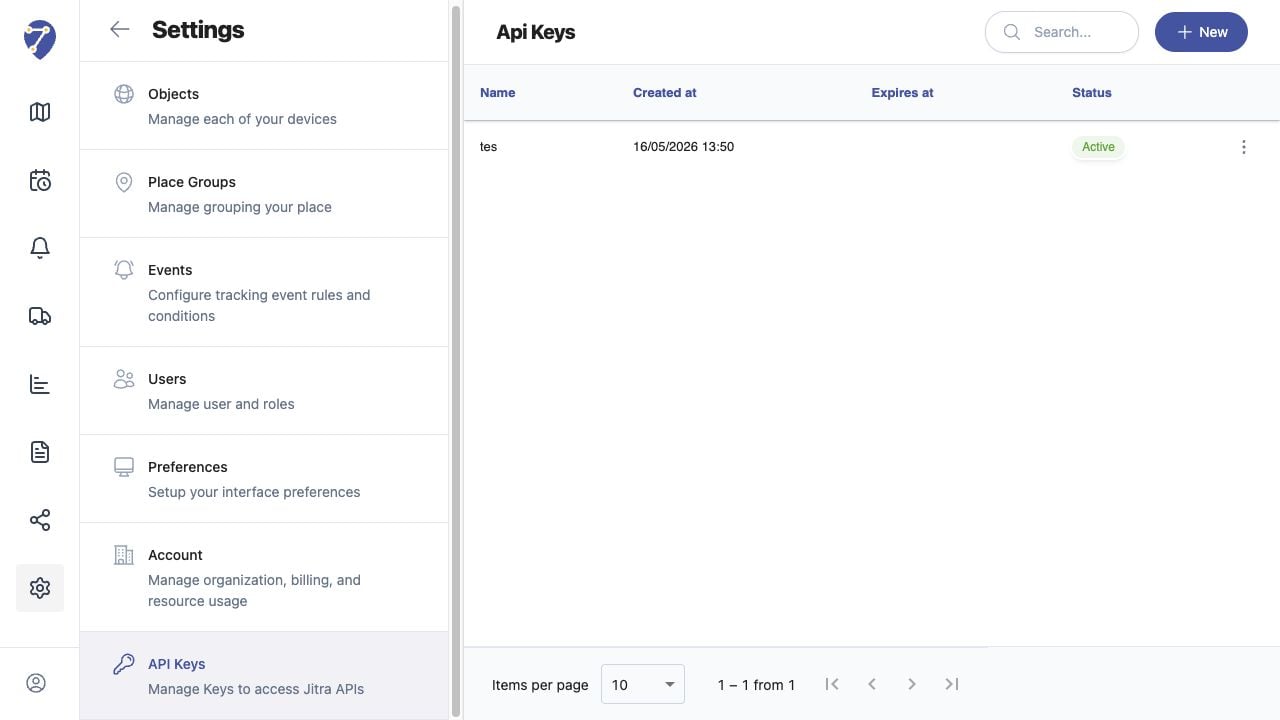
The Jitra UI manages API Keys but does not display endpoint documentation on the API Keys page.
 ## Reviewing the Result
Confirm the saved or displayed information matches the intended Object, users, period, and Organization workflow.
## If the Issue Continues
Review required fields, access permissions, available data, and Organization limits. Contact an Organization administrator or Jitra support when the required control is unavailable.
## Reviewing the Result
Confirm the saved or displayed information matches the intended Object, users, period, and Organization workflow.
## If the Issue Continues
Review required fields, access permissions, available data, and Organization limits. Contact an Organization administrator or Jitra support when the required control is unavailable.