> ## Documentation Index
> Fetch the complete documentation index at: https://docs.jitra.app/llms.txt
> Use this file to discover all available pages before exploring further.
# Using the API Reference
> The API Reference is the authoritative source for current endpoints, methods, schemas, authentication, parameters, and responses.
The API Reference is the authoritative source for current endpoints, methods, schemas, authentication, parameters, and responses.
## What to Check
* Choose the correct API scope and resource.
* Check method, path, parameters, and required permissions.
* Use request and response examples only for the documented version.
* Handle status codes and pagination as specified.
* Recheck the reference when an integration behavior changes.
## Current Jitra Workflow
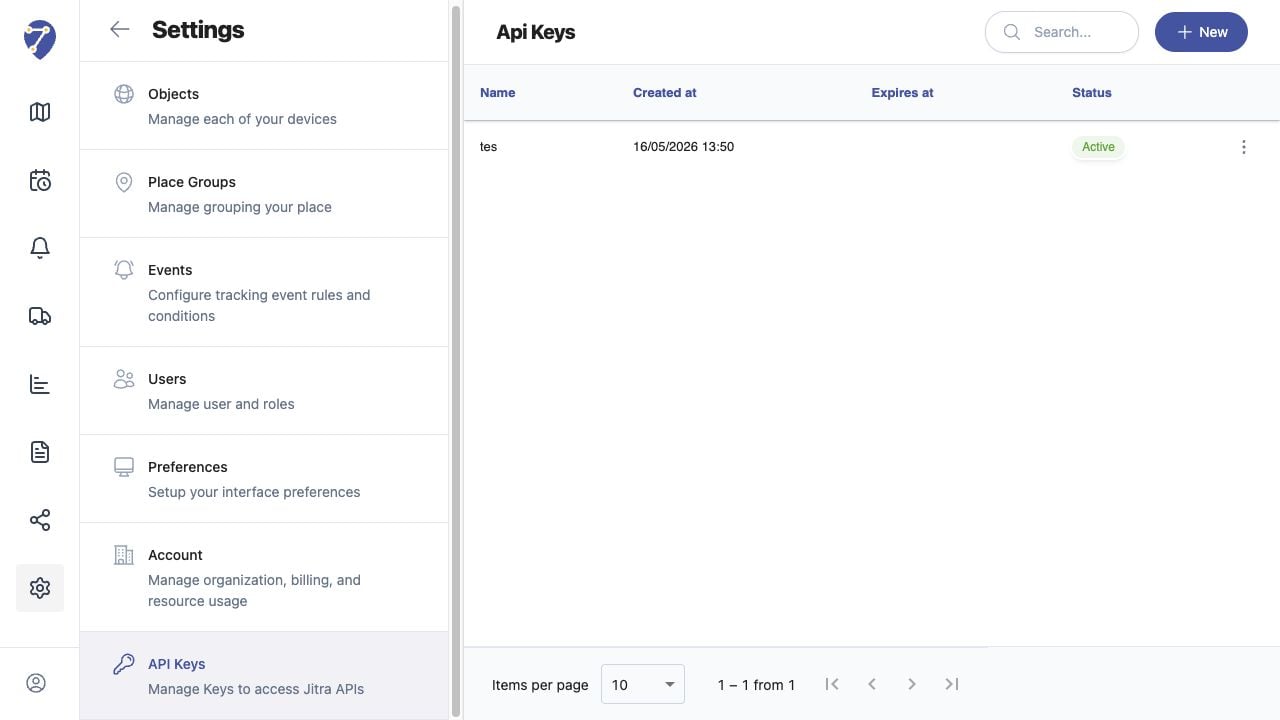
The in-app API Keys page does not contain the API Reference. Use the reference supplied for the Jitra environment or request access from the Organization administrator or Jitra support.
 ## Reviewing the Result
Confirm the saved or displayed information matches the intended Object, users, period, and Organization workflow.
## If the Issue Continues
Review required fields, access permissions, available data, and Organization limits. Contact an Organization administrator or Jitra support when the required control is unavailable.
## Reviewing the Result
Confirm the saved or displayed information matches the intended Object, users, period, and Organization workflow.
## If the Issue Continues
Review required fields, access permissions, available data, and Organization limits. Contact an Organization administrator or Jitra support when the required control is unavailable.