> ## Documentation Index
> Fetch the complete documentation index at: https://docs.jitra.app/llms.txt
> Use this file to discover all available pages before exploring further.
# Understanding Grace Period and Suspension
> Grace-period and suspension behavior depends on the subscription and payment state shown for the Organization; the current UI does not publish a fixed duration on this page.
Grace-period and suspension behavior depends on the subscription and payment state shown for the Organization; the current UI does not publish a fixed duration on this page.
## What to Check
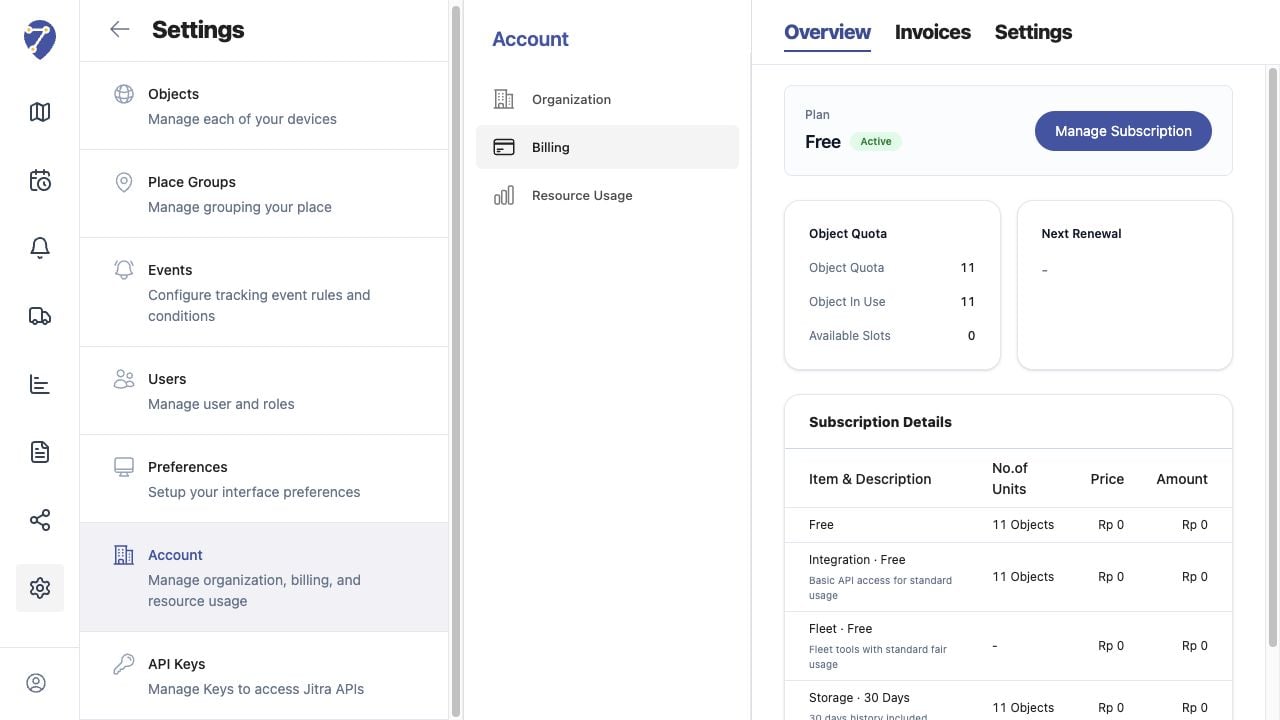
* Check Plan status on Billing Overview.
* Review invoice Status and Due Date.
* Update Billing Email and payment details.
* Resolve overdue payments through the available action.
* Contact Jitra support for the exact account timeline.
## Current Jitra Workflow
Do not rely on an assumed number of grace days. Use the live Billing and Invoices status as the authoritative account state.
 ## Reviewing the Result
Confirm the saved or displayed information matches the intended Object, users, period, and Organization workflow.
## If the Issue Continues
Review required fields, access permissions, available data, and Organization limits. Contact an Organization administrator or Jitra support when the required control is unavailable.
## Reviewing the Result
Confirm the saved or displayed information matches the intended Object, users, period, and Organization workflow.
## If the Issue Continues
Review required fields, access permissions, available data, and Organization limits. Contact an Organization administrator or Jitra support when the required control is unavailable.