> ## Documentation Index
> Fetch the complete documentation index at: https://docs.jitra.app/llms.txt
> Use this file to discover all available pages before exploring further.
# Cannot Sign In to Jitra
> Sign-in failures can come from credentials, account status, Organization access, browser state, or network conditions.
Sign-in failures can come from credentials, account status, Organization access, browser state, or network conditions.
## What to Check
* Confirm the email and password without sharing them.
* Check keyboard layout and password manager values.
* Use the supported password-reset flow when available.
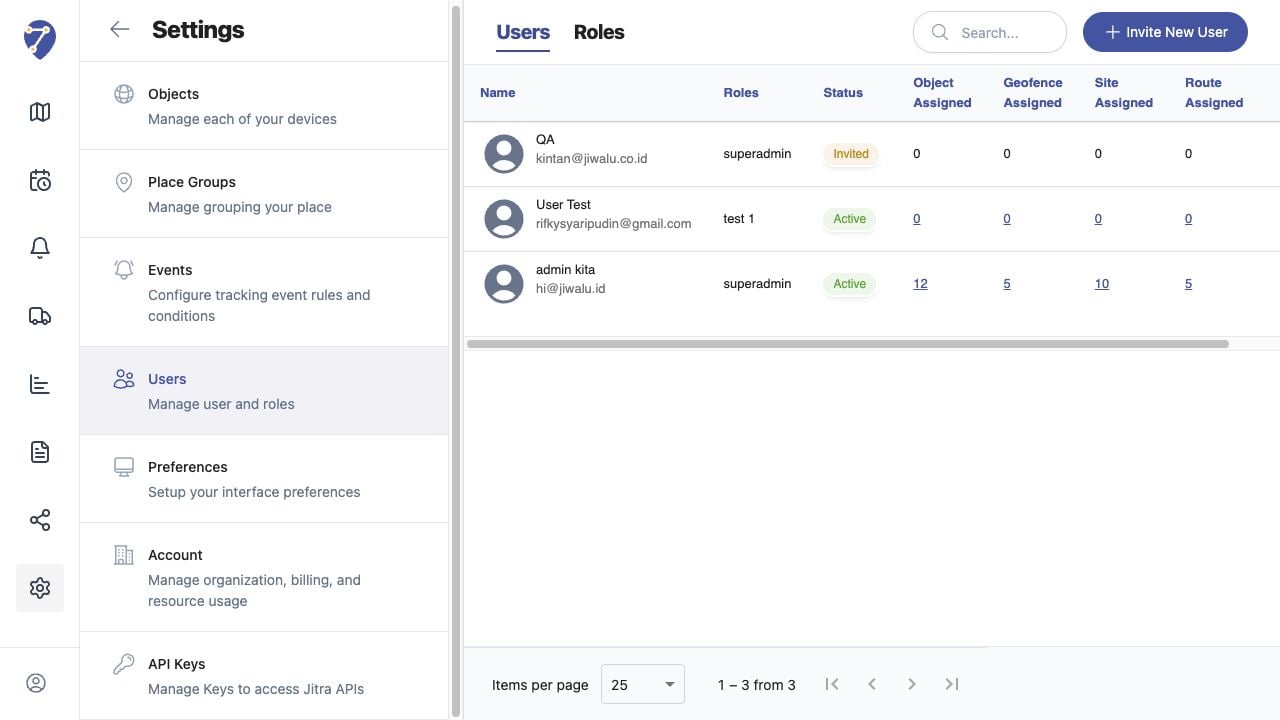
* Ask an administrator to confirm the user is Active.
* Retry after checking network and browser cookies.
## Current Jitra Workflow
Do not create a duplicate user solely to bypass a sign-in problem. Resolve the existing account state first.
 ## Reviewing the Result
Confirm the saved or displayed information matches the intended Object, users, period, and Organization workflow.
## If the Issue Continues
Review required fields, access permissions, available data, and Organization limits. Contact an Organization administrator or Jitra support when the required control is unavailable.
## Reviewing the Result
Confirm the saved or displayed information matches the intended Object, users, period, and Organization workflow.
## If the Issue Continues
Review required fields, access permissions, available data, and Organization limits. Contact an Organization administrator or Jitra support when the required control is unavailable.