> ## Documentation Index
> Fetch the complete documentation index at: https://docs.jitra.app/llms.txt
> Use this file to discover all available pages before exploring further.
# Contacting Jitra Support
> A useful support request contains enough reproducible context without exposing passwords, API keys, or unnecessary personal data.
A useful support request contains enough reproducible context without exposing passwords, API keys, or unnecessary personal data.
## What to Check
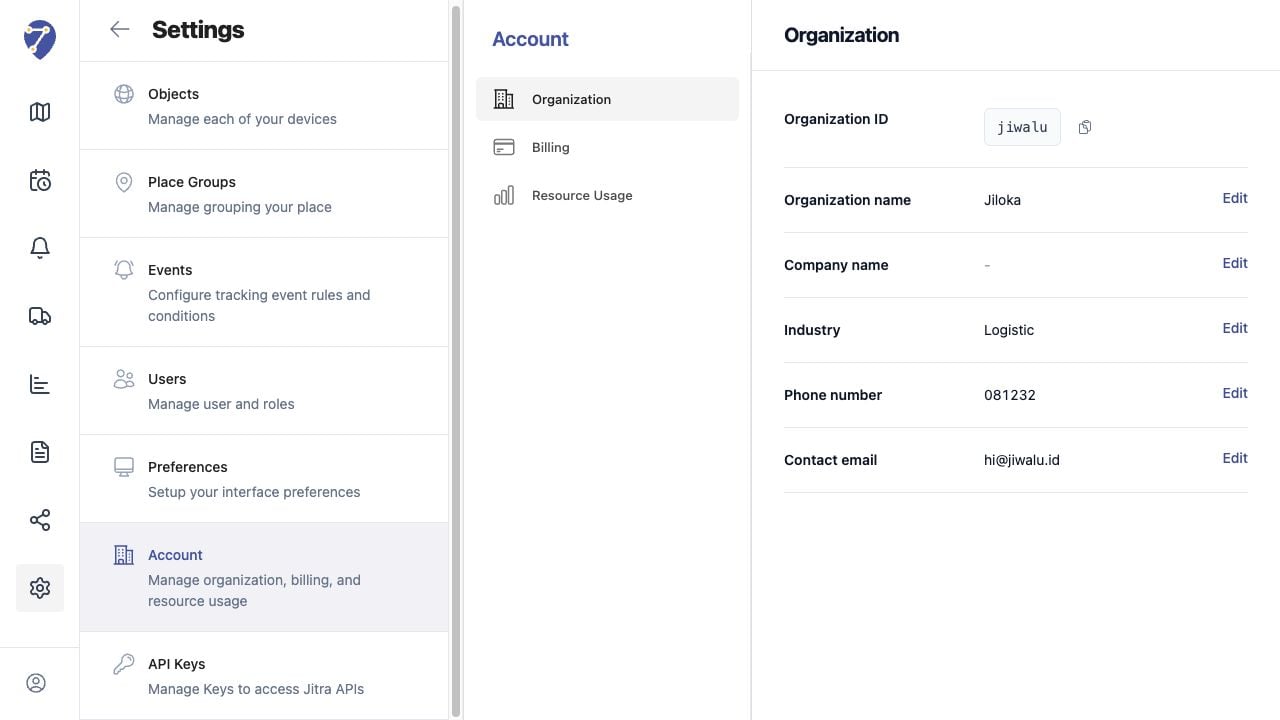
* Organization ID and affected feature
* Object label and Device ID only when relevant and approved
* Date, time, timezone, and steps to reproduce
* Expected and actual result
* Screenshots without secrets
* Recent configuration changes and error messages
## Current Jitra Workflow
Collect the information before contacting the official Jitra support channel used by your Organization. Revoke exposed credentials immediately instead of sending them.
 ## Reviewing the Result
Confirm the saved or displayed information matches the intended Object, users, period, and Organization workflow.
## If the Issue Continues
Review required fields, access permissions, available data, and Organization limits. Contact an Organization administrator or Jitra support when the required control is unavailable.
## Reviewing the Result
Confirm the saved or displayed information matches the intended Object, users, period, and Organization workflow.
## If the Issue Continues
Review required fields, access permissions, available data, and Organization limits. Contact an Organization administrator or Jitra support when the required control is unavailable.