
Membuat Geofence
- Buka Tracking lalu klik Show Geofences.
- Klik tombol plus.
- Klik beberapa titik pada peta untuk menggambar batas, lalu tutup polygon.
- Masukkan Name dan periksa Color, Group, serta Description.
- Klik Save.
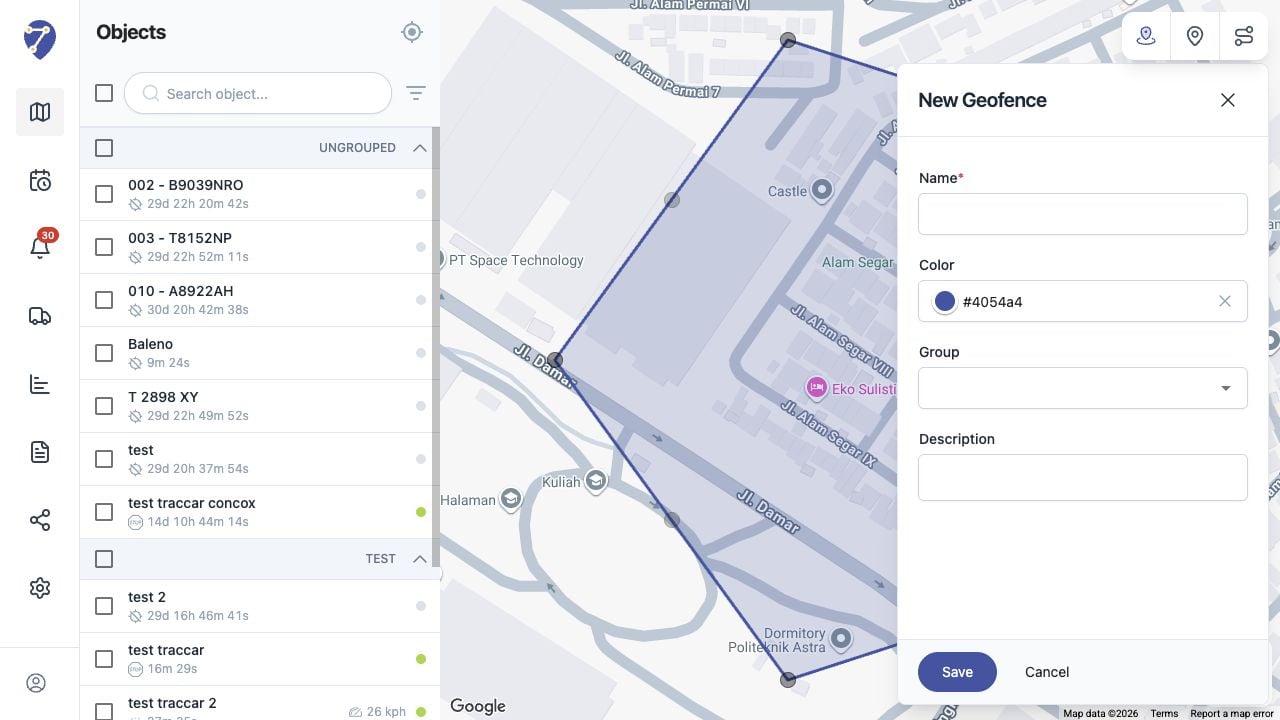
Pelajari cara membuat Geofence melalui peta Tracking Jitra dan mengatur field lokasinya.