
A Maintenance Schedule defines when selected Vehicles require a maintenance activity and when reminders begin.

What to Check

  1. Open Fleet > Maintenance Schedule > Rules.
  2. Click New and enter Name, Type, Active, and Notes.
  3. Set one or more Interval values.
  4. Set corresponding Reminder values.
  5. Configure Notifications Setting and Vehicles, then Save.

Current Jitra Workflow

Auto-create Maintenance Record becomes available only when the supporting schedule configuration is valid.
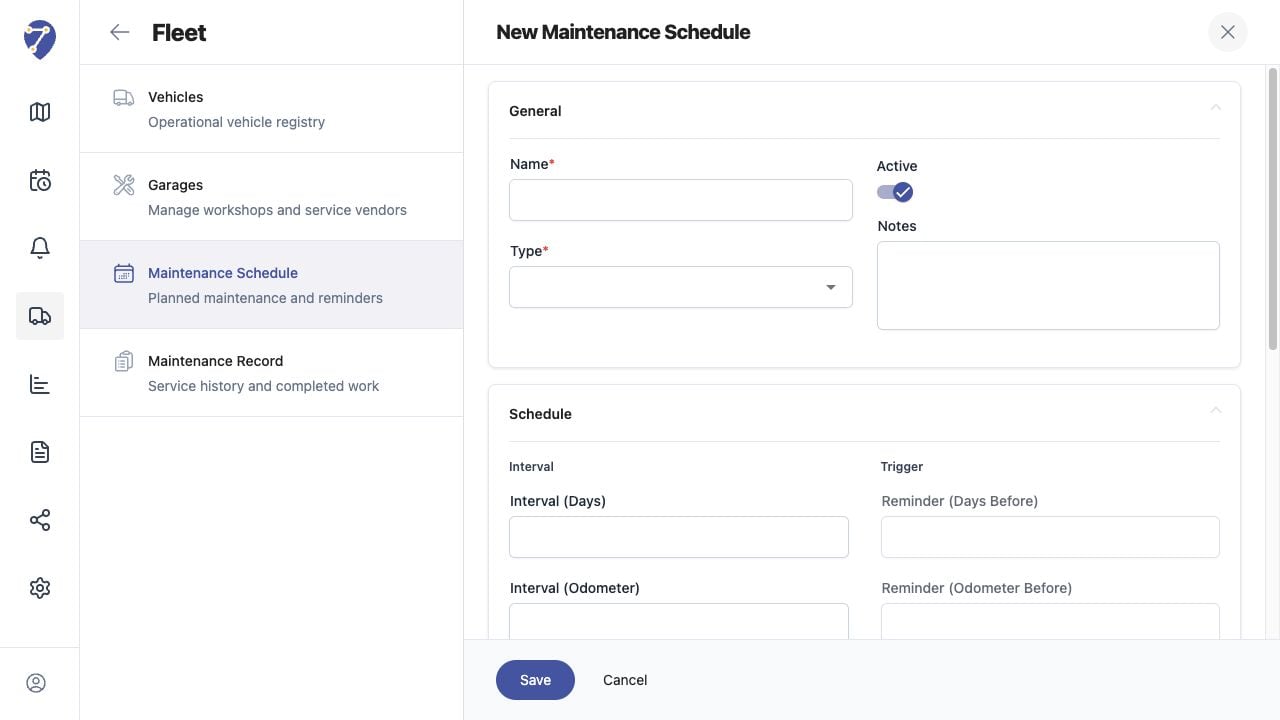
Creating Maintenance Schedules screen on Jitra staging

Reviewing the Result

Confirm the saved or displayed information matches the intended Object, users, period, and Organization workflow.

If the Issue Continues

Review required fields, access permissions, available data, and Organization limits. Contact an Organization administrator or Jitra support when the required control is unavailable.