
Focusing moves the map to an Object so you can inspect its latest reported location without searching across the map manually.

Focusing from the Objects Panel

  1. Click the Object row or its name. Do not use the checkbox for this action.
  2. Jitra changes the current selection to that single Object.
  3. The map centers on the Object; use its information button when you also want to open the details panel.
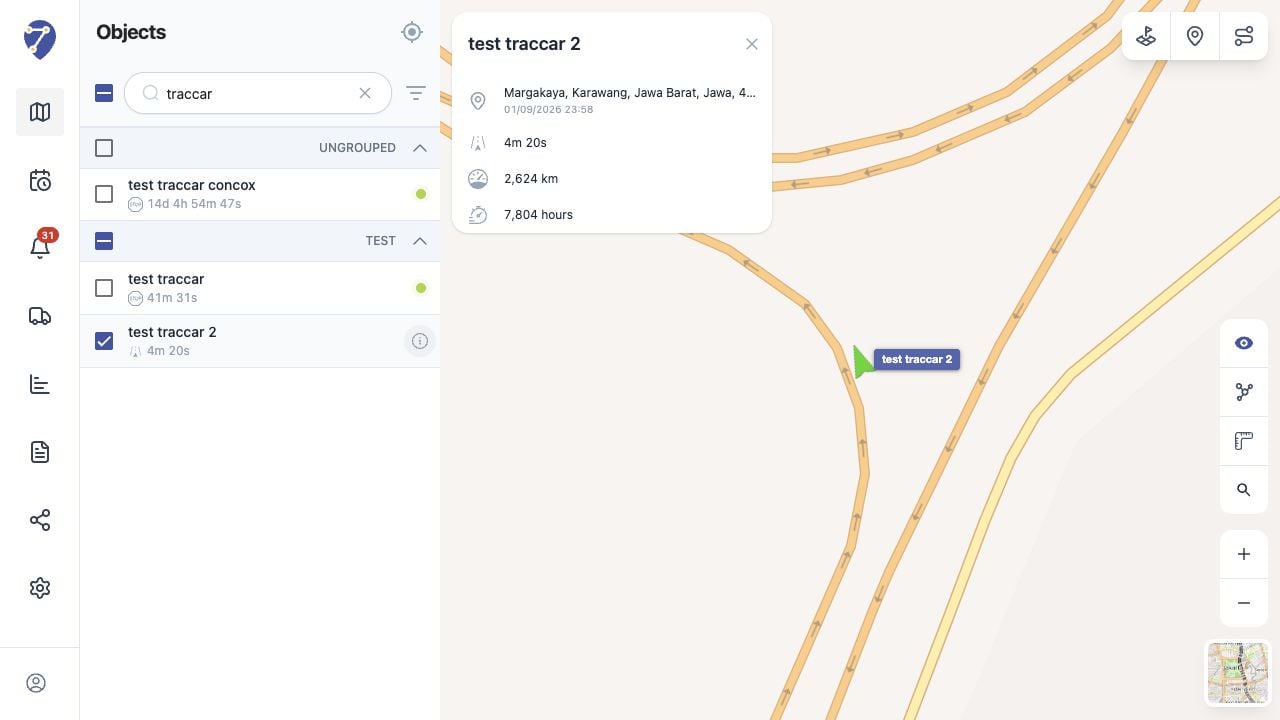
Focusing Objects on the Map in Jitra staging

Focusing from the Map

Click an Object marker on the map. Jitra opens the same details panel and places the Object in view.

When Several Objects Were Selected for Follow

Clicking an Object row replaces the multi-Object Follow selection with that one Object and centers the map on it. Other Object markers remain on the map because checkbox selection does not control marker visibility.

If the Position Looks Outdated

Check the update time and status in Object details. An Offline Object can only show the last position received by Jitra.