
A useful support request contains enough reproducible context without exposing passwords, API keys, or unnecessary personal data.

What to Check

  • Organization ID and affected feature
  • Object label and Device ID only when relevant and approved
  • Date, time, timezone, and steps to reproduce
  • Expected and actual result
  • Screenshots without secrets
  • Recent configuration changes and error messages

Current Jitra Workflow

Collect the information before contacting the official Jitra support channel used by your Organization. Revoke exposed credentials immediately instead of sending them.
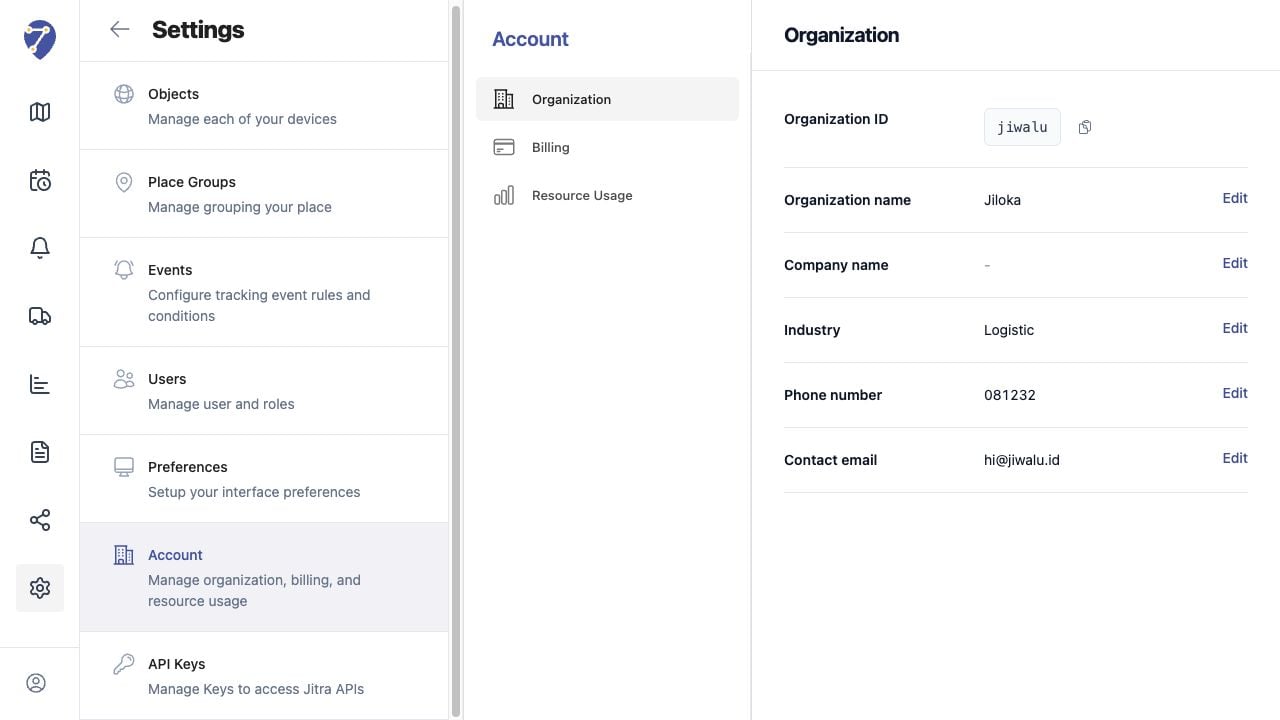
Contacting Jitra Support screen on Jitra staging

Reviewing the Result

Confirm the saved or displayed information matches the intended Object, users, period, and Organization workflow.

If the Issue Continues

Review required fields, access permissions, available data, and Organization limits. Contact an Organization administrator or Jitra support when the required control is unavailable.