
Create an Event rule when Jitra needs to detect a condition for one or more Objects and record or deliver a Notification.

Opening the New Event Form

  1. Open Settings.
  2. Select Events.
  3. Click New.

Completing Event Setting

Select an Event Type, enter a clear Name, and select at least one Object. These required fields define what the rule monitors.
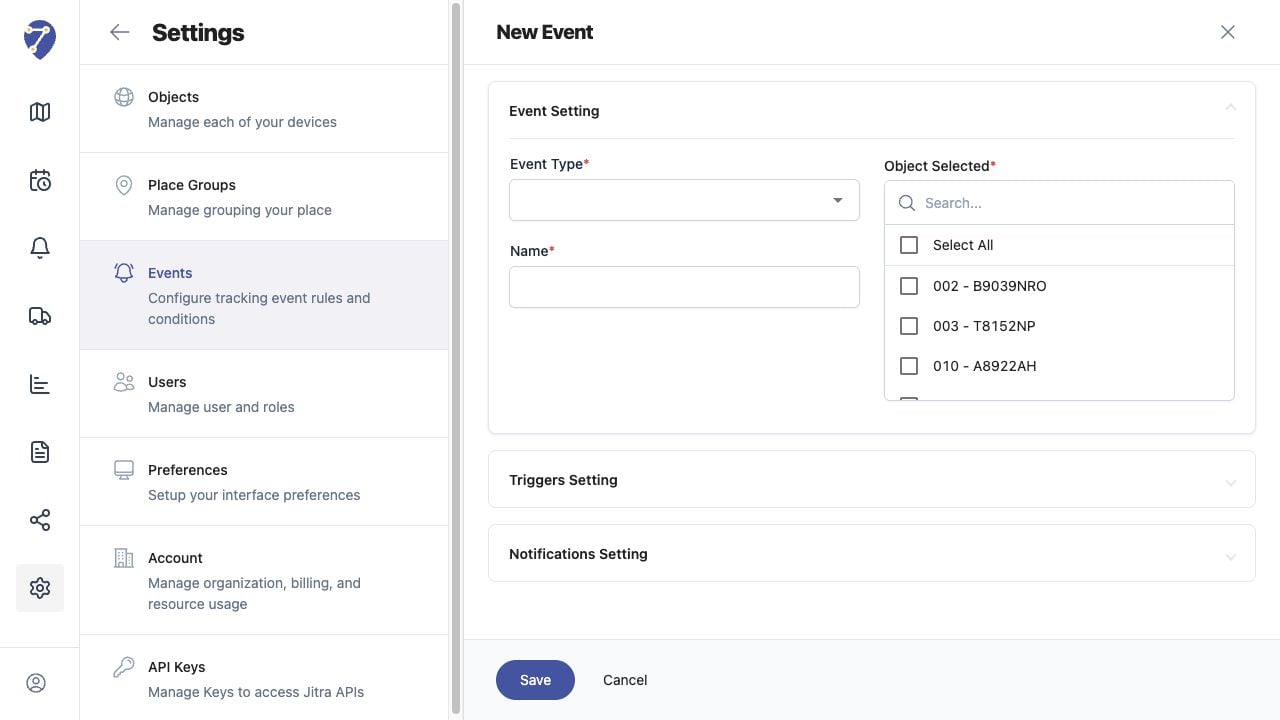
Creating an Event Rule in Jitra staging

Completing Trigger and Notification Settings

Expand Triggers Setting and enter the conditions required by the selected Event Type. Then expand Notifications Setting and enable the delivery options needed for the rule.

Saving the Rule

Review the Event Type, Objects, trigger values, cooldown, and notification options, then click Save. The new rule appears in the Events table with its current Active status.