
History can only display data received and retained for the selected Object and Period.

What to Check

  • Confirm Object and Period.
  • Check the last device connection.
  • Review Storage Retention.
  • Verify valid positions were received.
  • Check Tracking Accuracy filtering and timestamps.

Current Jitra Workflow

Load a smaller known period, compare Trips and Events, and use Show Raw Points when a Trip exists.
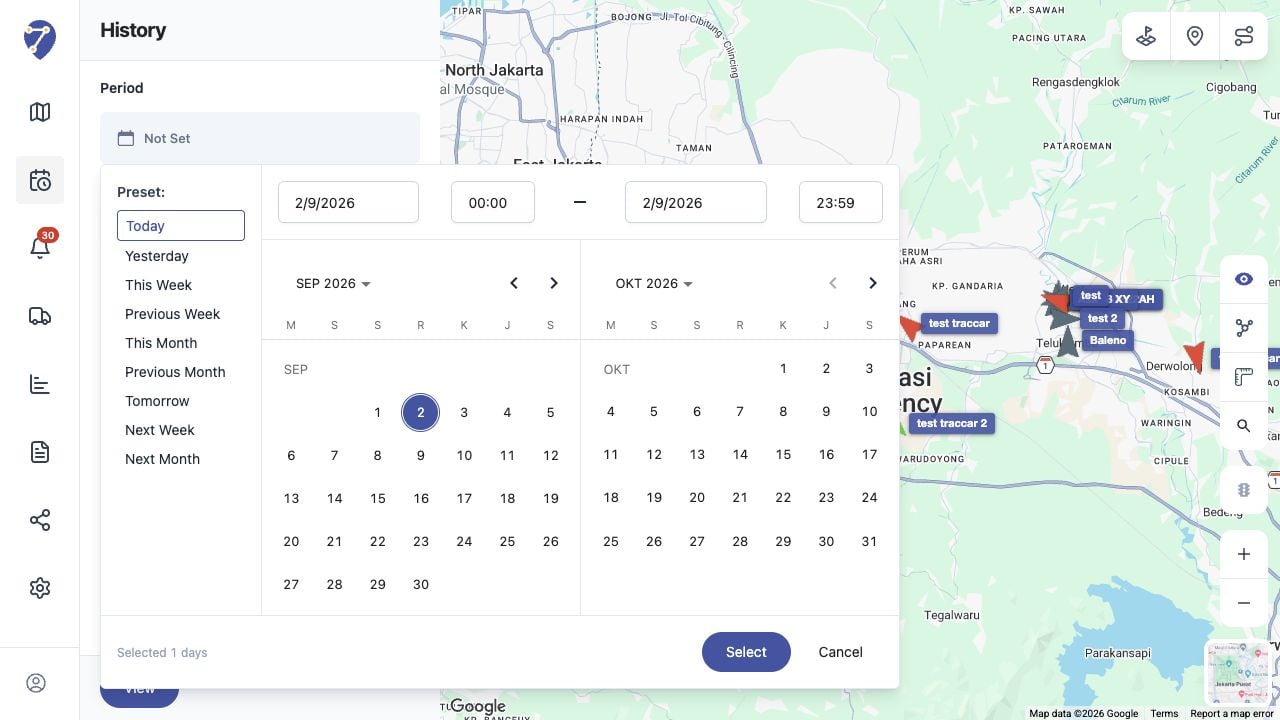
History Data Is Missing screen on Jitra staging

Reviewing the Result

Confirm the saved or displayed information matches the intended Object, users, period, and Organization workflow.

If the Issue Continues

Review required fields, access permissions, available data, and Organization limits. Contact an Organization administrator or Jitra support when the required control is unavailable.