
Confirming the Current Assignment
Open Settings, select Objects, then edit the Object. The GPS Device model and Device ID appear beneath the Object label in the header.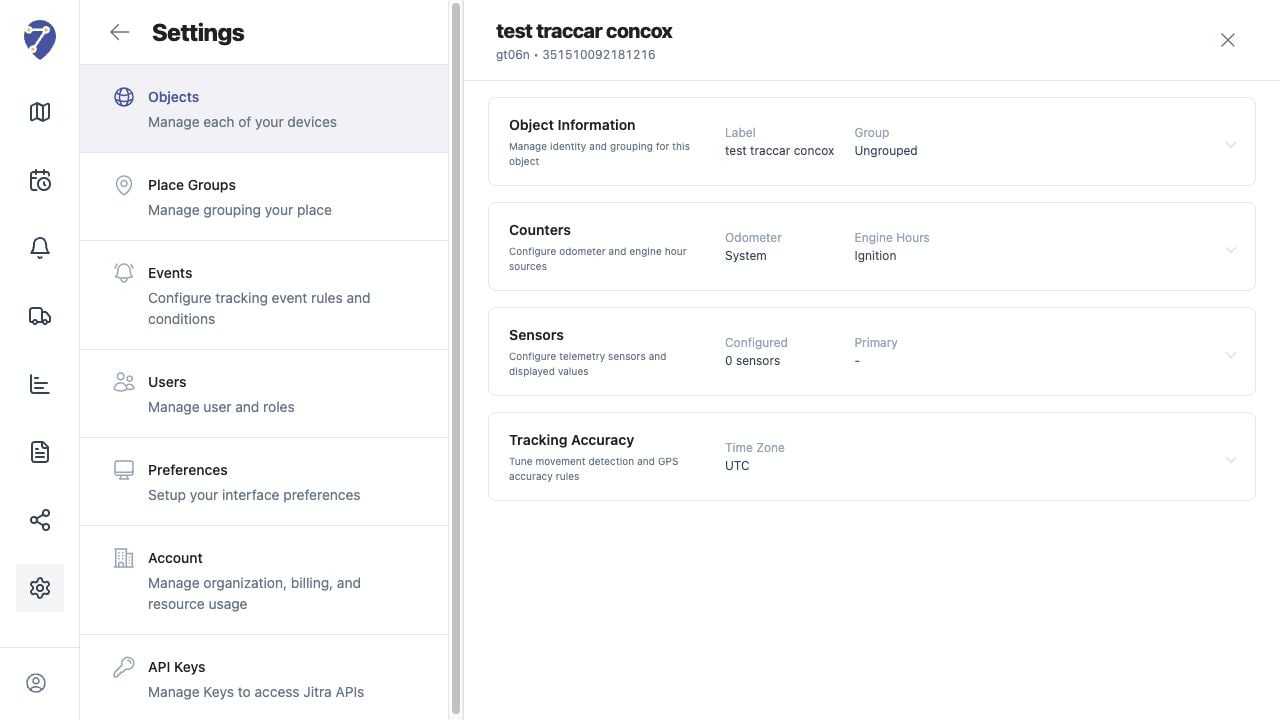
Direct Changes Are Not Available
Object Information only allows changes to Label, Group, VIN, and Plate Number. It does not provide controls for changing the Device ID or GPS Device model.Preparing a Device Replacement
- Record the existing Object identity and operational settings.
- Confirm the model and Device ID of the replacement device.
- Review History, Events, Reports, sharing, and other workflows that depend on the current Object.
- Coordinate the replacement with an Organization administrator or Jitra support.