
A missing verification email can be delayed, filtered, addressed incorrectly, or blocked by email delivery configuration.

What to Check

  • Confirm the exact email address.
  • Check spam, quarantine, and mail rules.
  • Wait before requesting another message.
  • Allow the Jitra sender domain according to policy.
  • Ask an administrator or support to confirm account and delivery state.

Current Jitra Workflow

Invite New User creates an invitation. Confirm the user appears with Invited status, then check the recipient address and email delivery path.
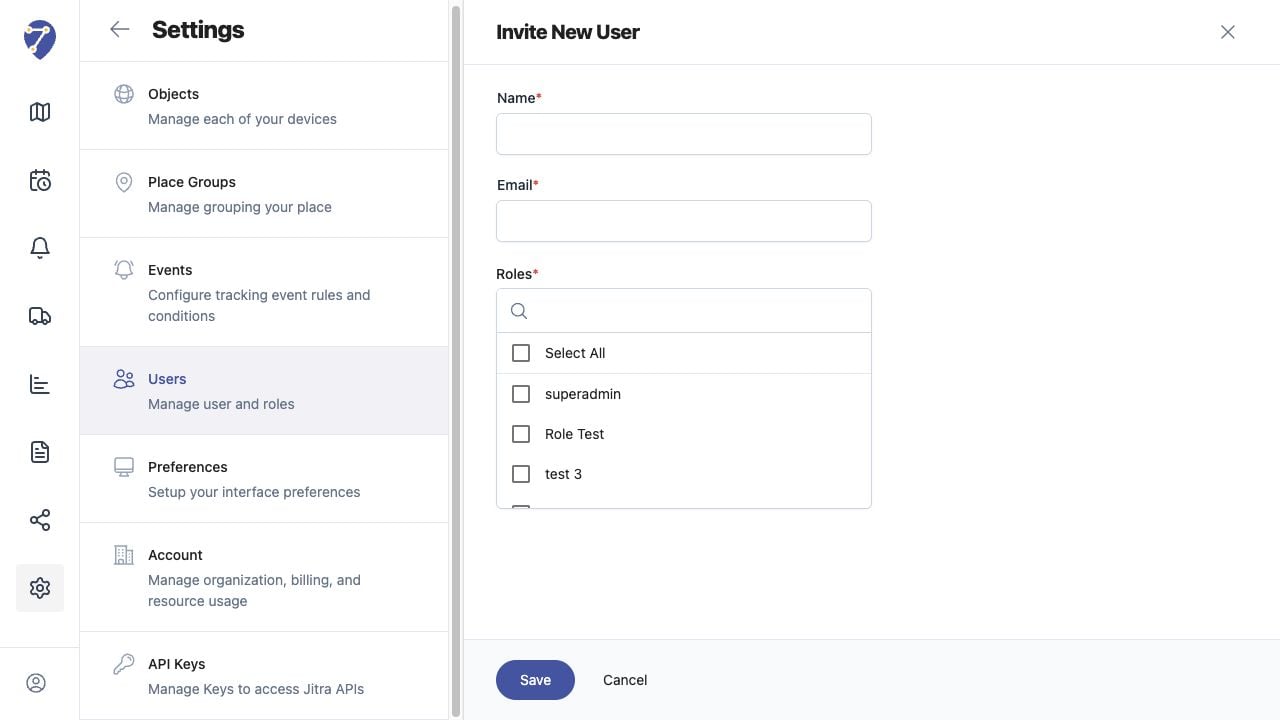
Verification Email Is Not Received screen on Jitra staging

Reviewing the Result

Confirm the saved or displayed information matches the intended Object, users, period, and Organization workflow.

If the Issue Continues

Review required fields, access permissions, available data, and Organization limits. Contact an Organization administrator or Jitra support when the required control is unavailable.