
Digital inputs and outputs represent binary device channels used for switches, doors, relays, alarms, and similar states.

What to Check

  • Confirm the physical channel and wiring.
  • Identify whether 0/1 means Off/On or the reverse.
  • Create readable result labels.
  • Do not control an output unless the device and integration explicitly support it.

Current Jitra Workflow

Map the device parameter in the Object’s Sensors section and test both states.
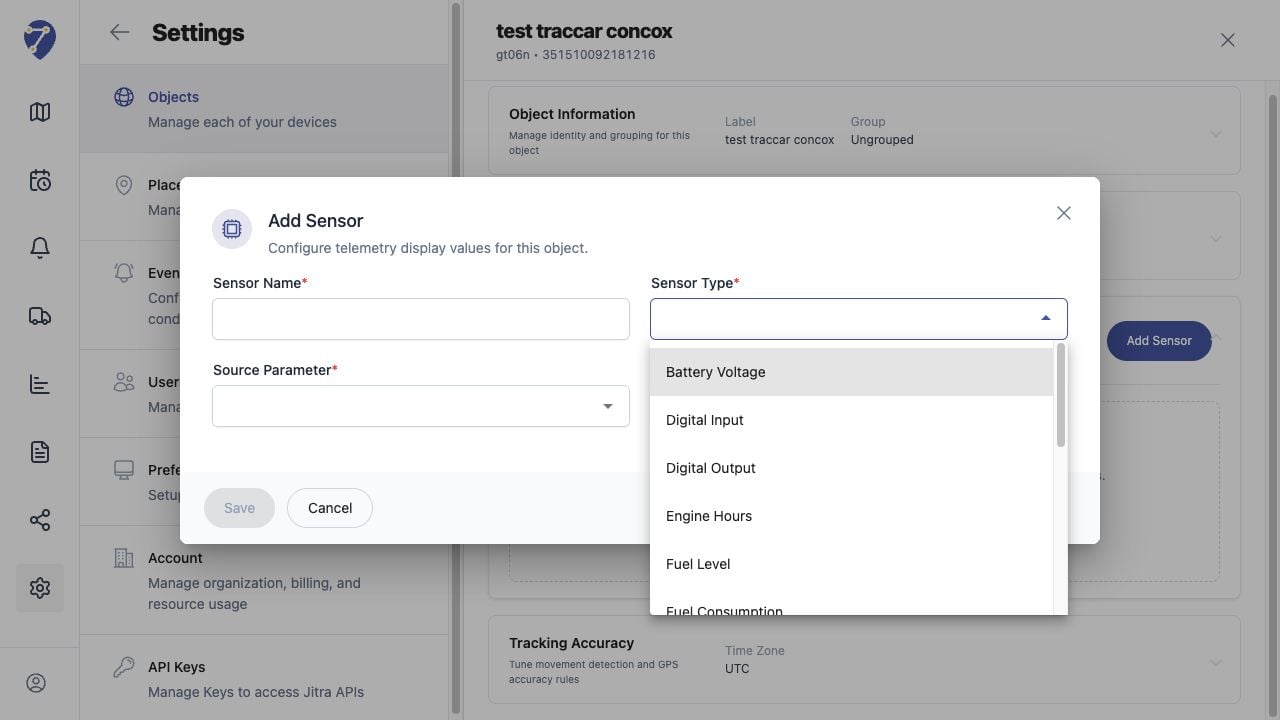
Understanding Digital Inputs and Outputs in Jitra staging

Reviewing the Result

Confirm the saved or displayed information matches the intended Object, users, period, and Organization workflow.

If the Issue Continues

Review required fields, access permissions, available data, and Organization limits. Contact an Organization administrator or Jitra support when the required control is unavailable.