Before Deleting an Object
- Confirm that the correct Object has been selected.
- Record the Label, Device ID, and GPS Device model.
- Review History, Events, Reports, sharing, groups, Sensors, and other workflows that depend on the Object.
- Export or retain information required by your Organization.
- Confirm that the GPS Device will not continue sending data for the deleted Object.
Opening the Delete Confirmation
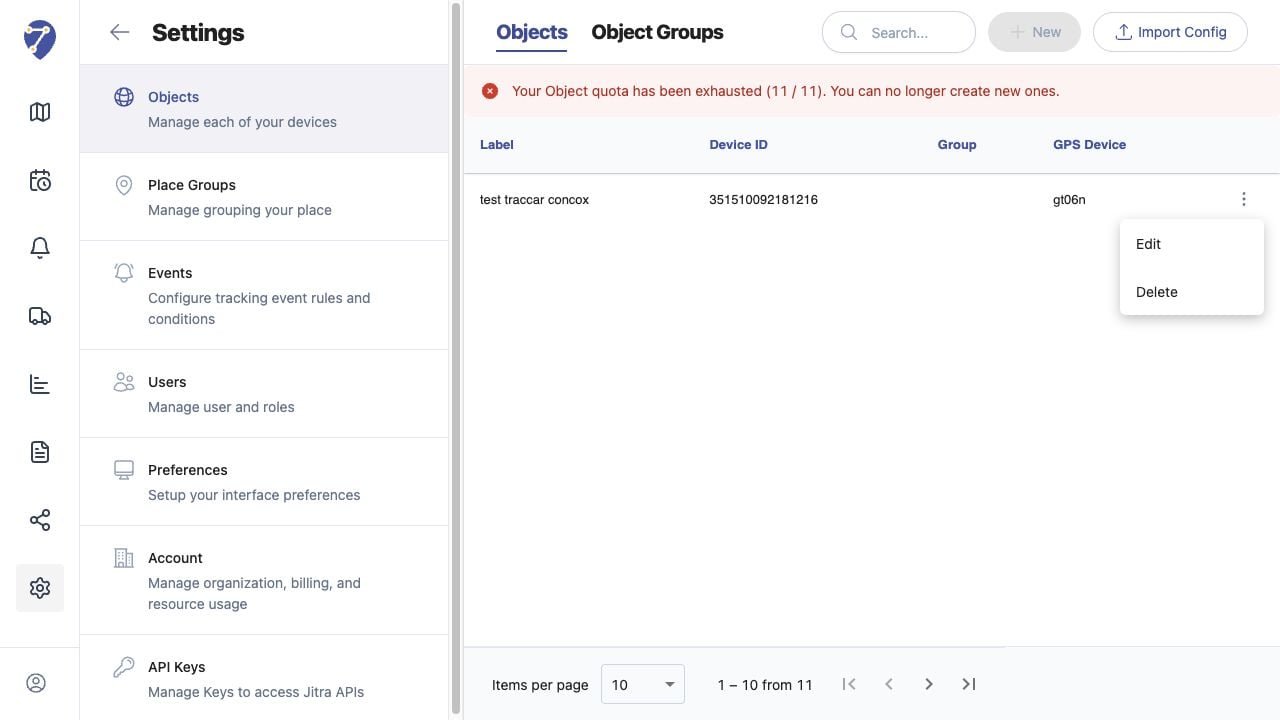
- Open Settings and select Objects.
- Open the action menu for the Object.
- Select Delete.
- Read the Object name in the confirmation dialog.