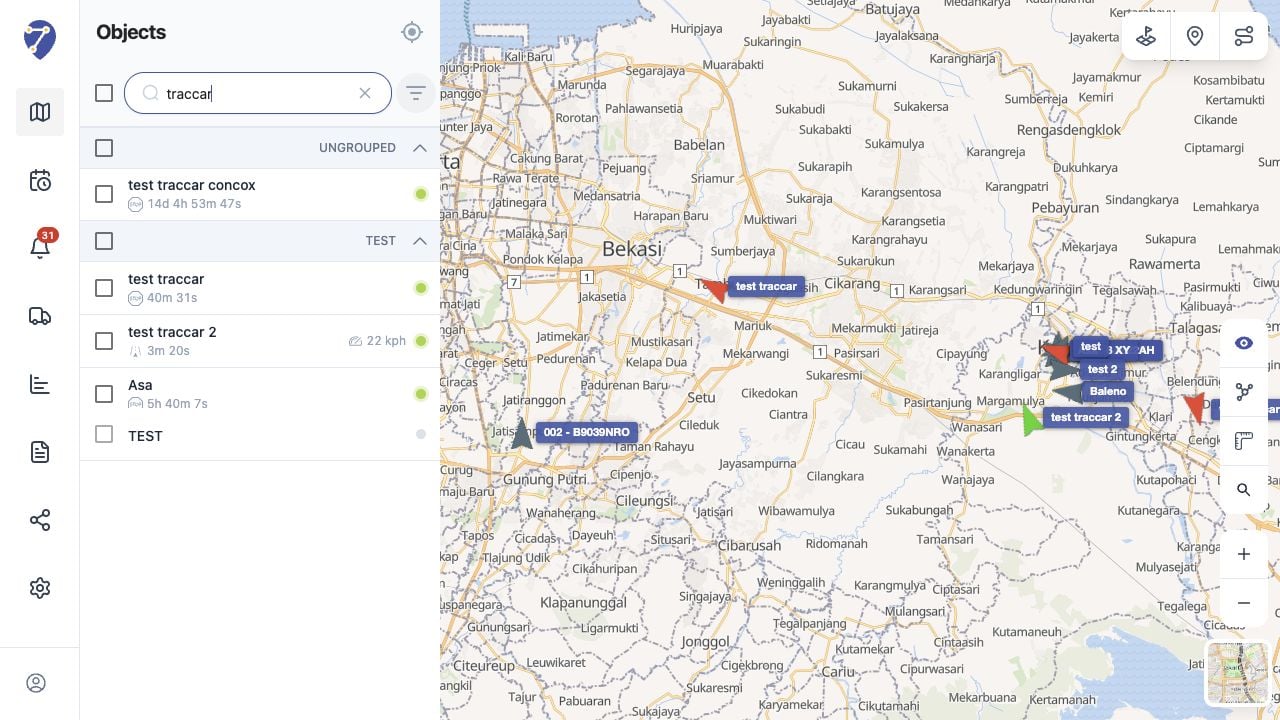
Searching for an Object
- Click Search object… in the Objects panel.
- Enter all or part of the Object name.
- Review the matching Objects in the filtered list.
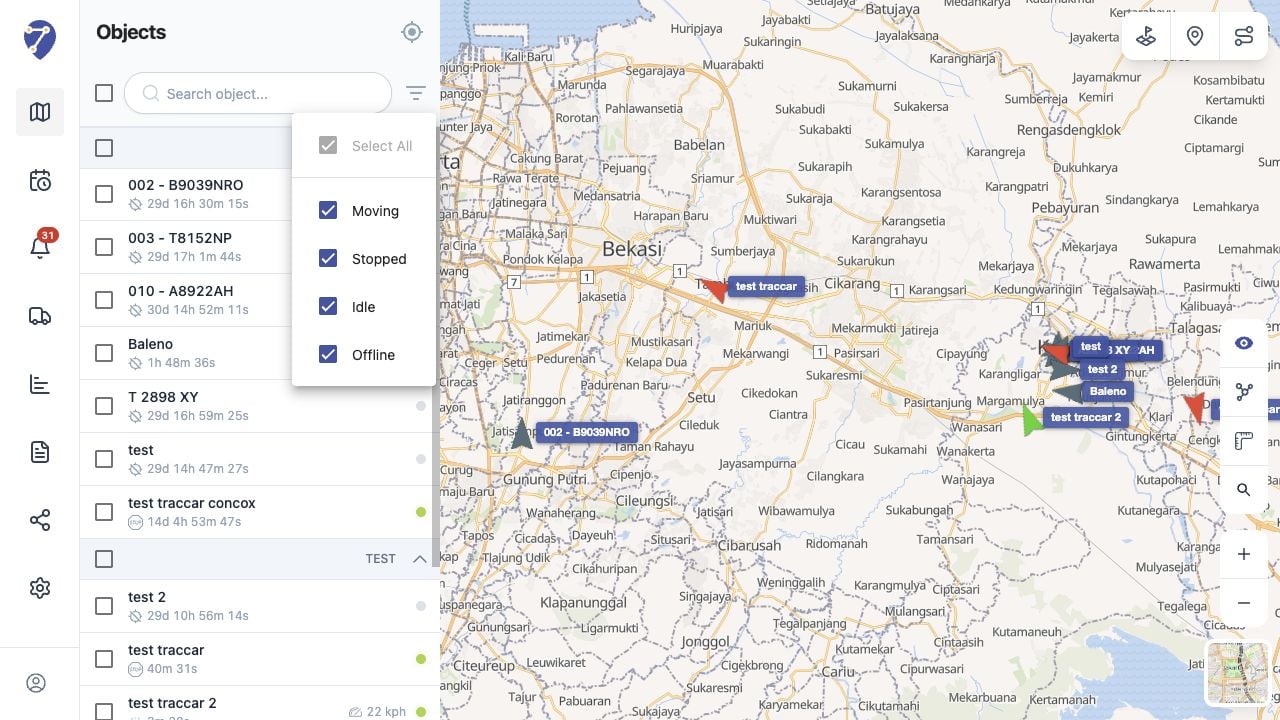
Filtering by Status
Click Filter by Status beside the search field, then select the statuses you want to display.- Moving: the Object is travelling
- Stopped: the Object is not moving
- Idle: the Object is stationary while an idle condition is detected
- Offline: Jitra is not receiving current data from the Object