
Missing Sensor data usually means the source parameter was not received or the Sensor mapping does not match it.

What to Check

  • Confirm recent device telemetry.
  • Verify Source Parameter and device model.
  • Review result mode, scaling, conditions, and Unit.
  • Use Preview or raw information.
  • Wait for a new message after saving.

Current Jitra Workflow

Open Settings > Objects > Edit > Sensors and test the mapping without changing unrelated configuration.
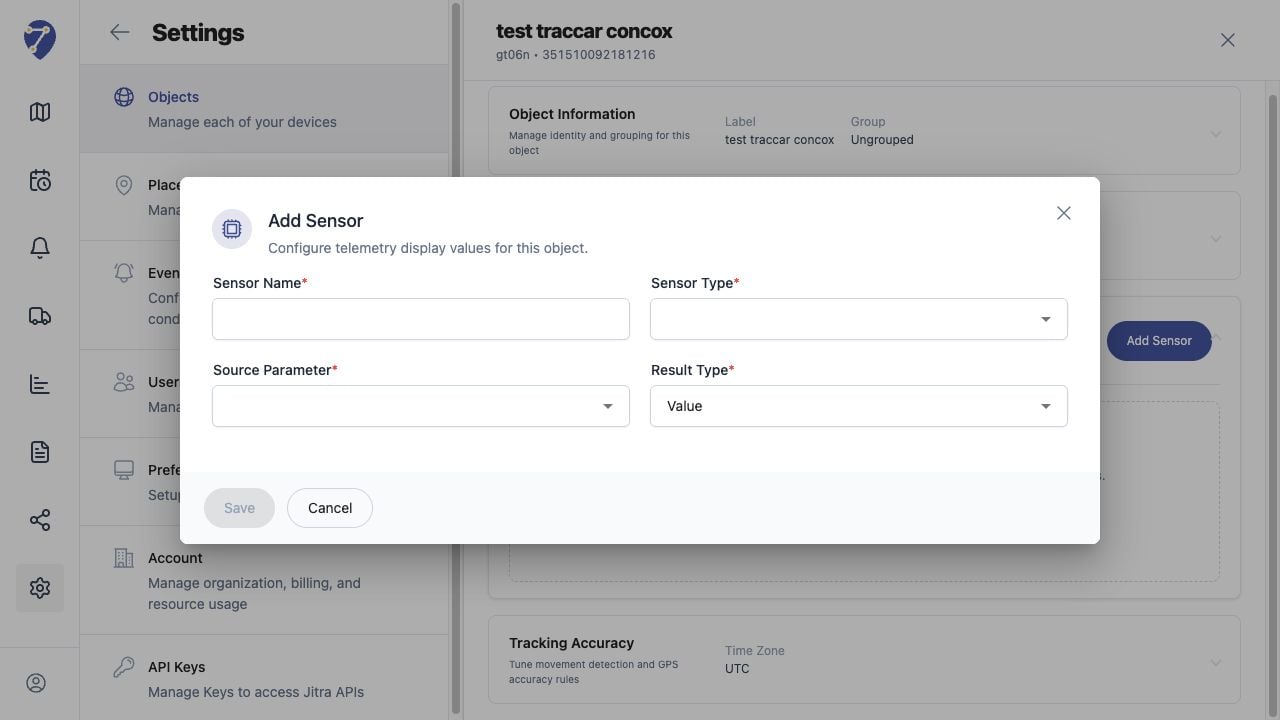
Sensor Data Is Missing screen on Jitra staging

Reviewing the Result

Confirm the saved or displayed information matches the intended Object, users, period, and Organization workflow.

If the Issue Continues

Review required fields, access permissions, available data, and Organization limits. Contact an Organization administrator or Jitra support when the required control is unavailable.