
A GPS Device is connected to Jitra when a new Object is created with the correct device model and Device ID.

Before Creating the Object

  • Confirm the GPS Device manufacturer and model.
  • Find the Device ID used by the tracker, commonly its IMEI or another identifier.
  • Make sure the Device ID is not assigned to another Object.
  • Configure the device to send data to the Jitra server specified for that model.

Selecting the GPS Device Model

  1. Open Settings and select Objects.
  2. Click New.
  3. Click Select device model.
  4. Choose the manufacturer and exact model used by the device.
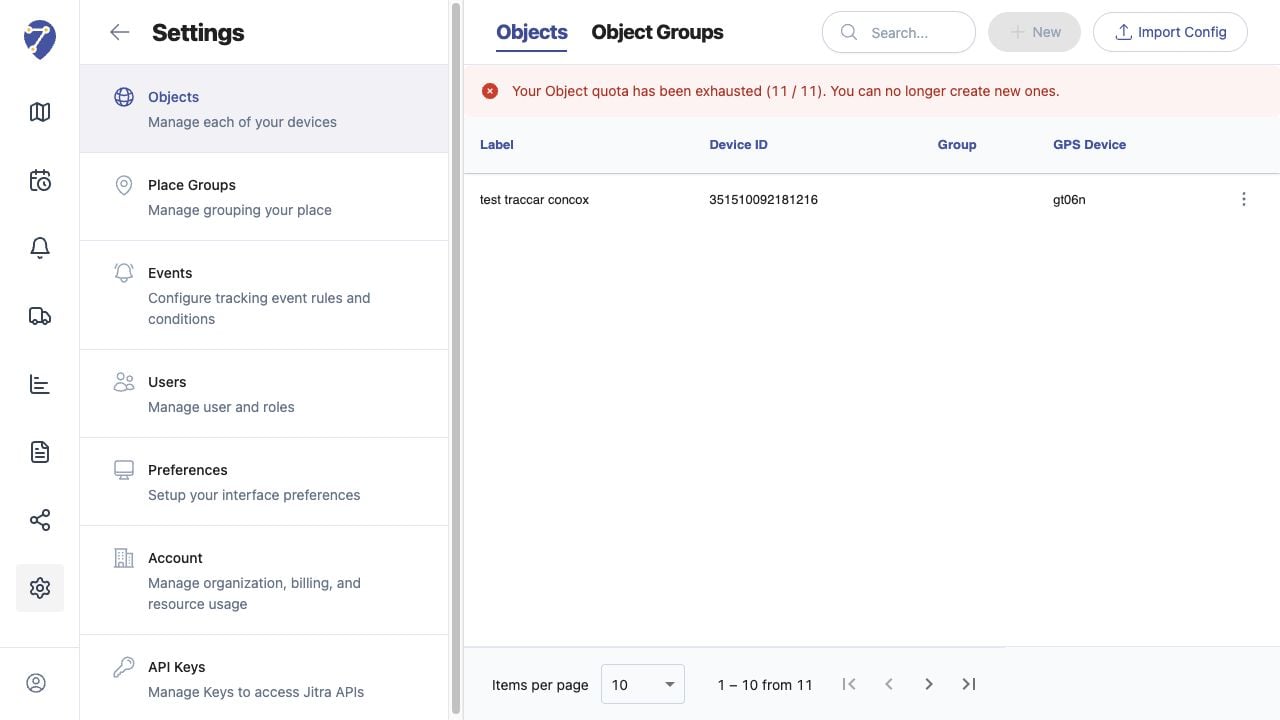
Connecting a GPS Device to an Object in Jitra staging

Entering Object Details

Enter the Object Label and Device ID exactly as provided by the tracker, then click Save. Both fields are required.

Waiting for the First Position

The Object can appear before the first GPS message is received. Tracking begins to show current information only after the device connects and sends valid data.

If the Object Remains Offline

Verify the model, Device ID, power, SIM or network connection, server address, port, and device configuration. A mismatch prevents incoming data from being associated with the Object.