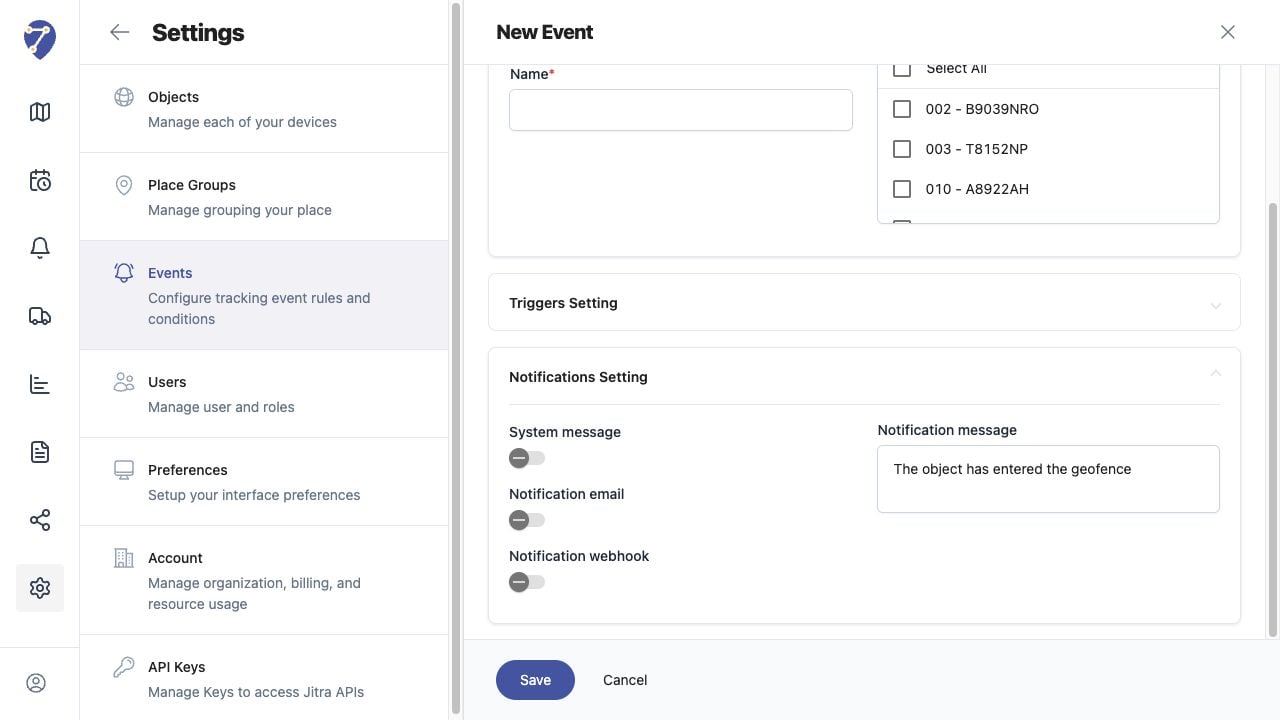
Check the Event Rule
- Confirm the rule exists and its Active status is displayed in Settings > Events.
- Verify the Event Type matches the condition you expect.
- Confirm the correct Object is selected.
- Review all required fields in Triggers Setting.
Check Trigger Data and Cooldown
Confirm the Object sent valid data that could satisfy the trigger. For speed or Sensor Events, verify the required value is present. For geofence Events, verify valid positions crossed the selected boundary. Make sure Cooldown after last event has elapsed.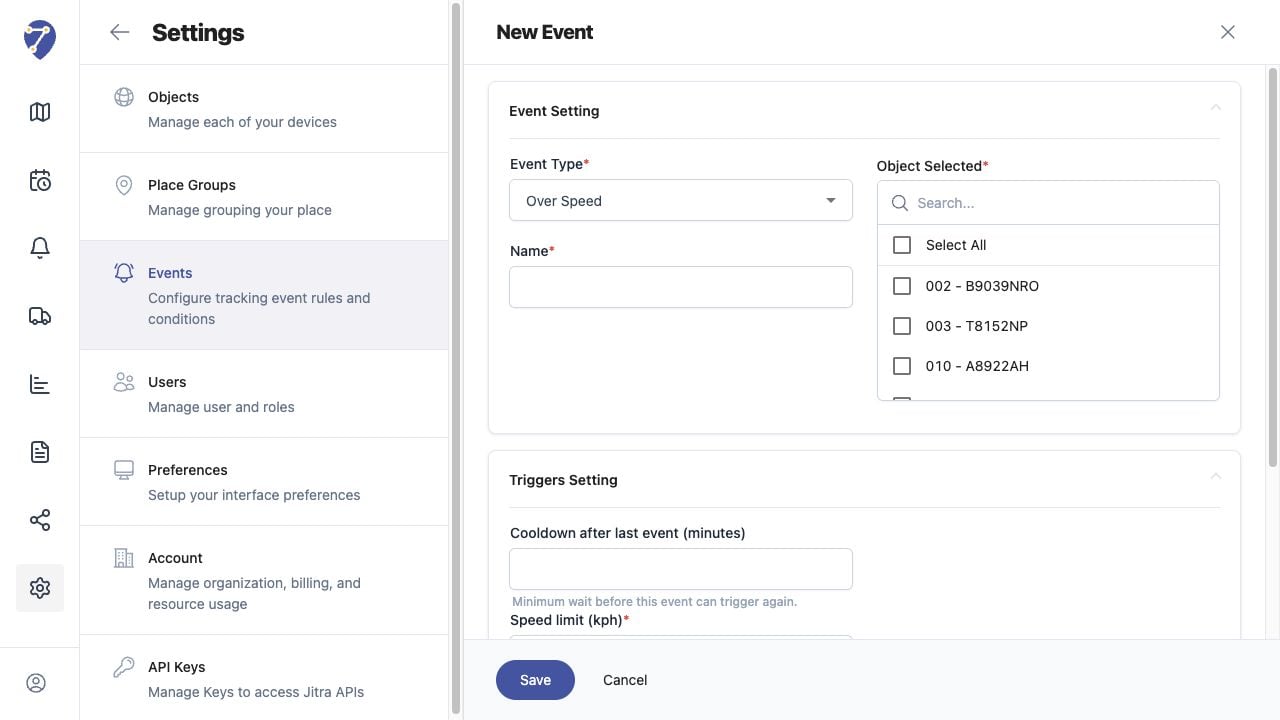
Check Notification Settings
Confirm the intended option is enabled in Notifications Setting. Use System message for Event Notifications, and verify the Organization’s email or webhook configuration when those delivery methods are used.