
A Notification can fail because the Event was not created, the delivery option is off, quota is exhausted, or the external channel failed.

What to Check

  • Confirm the Event exists in Event Notifications or History.
  • Verify the correct Object and trigger.
  • Check cooldown.
  • Enable System message, Notification email, or Notification webhook as required.
  • Check Integration usage and external delivery.

Current Jitra Workflow

Separate Event detection from delivery by checking System message first, then email or webhook.
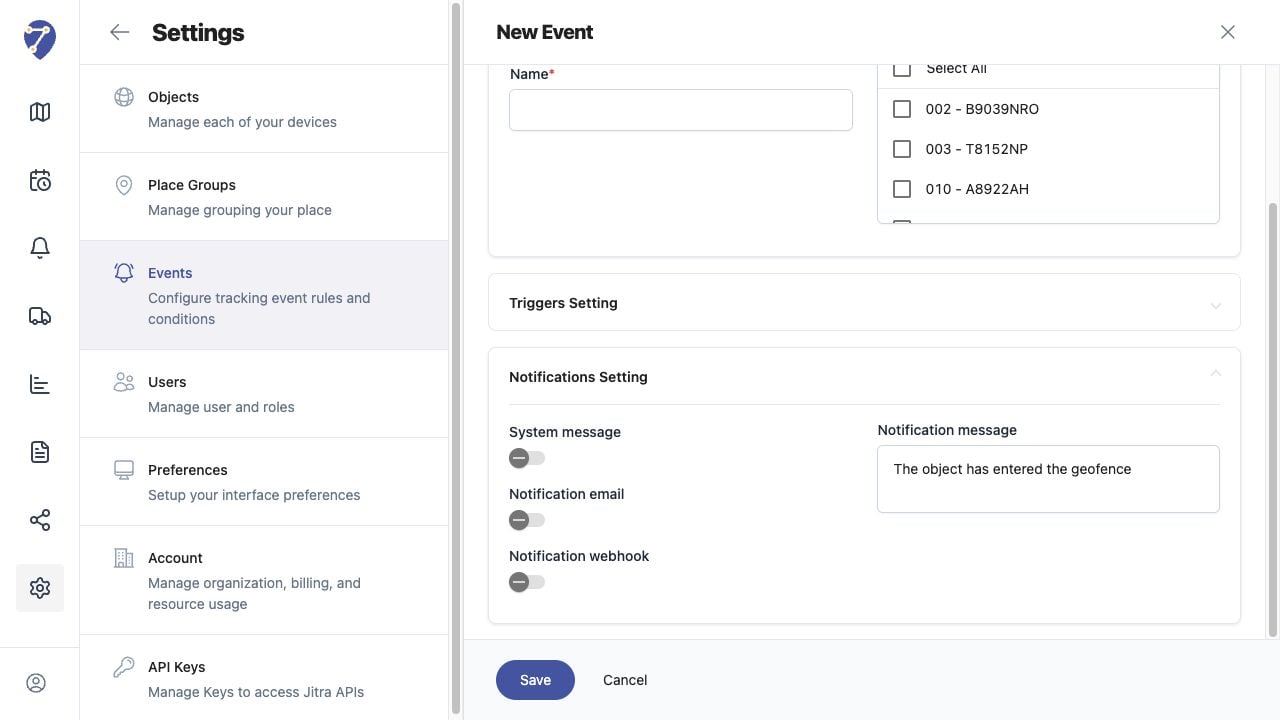
Notifications Are Not Received screen on Jitra staging

Reviewing the Result

Confirm the saved or displayed information matches the intended Object, users, period, and Organization workflow.

If the Issue Continues

Review required fields, access permissions, available data, and Organization limits. Contact an Organization administrator or Jitra support when the required control is unavailable.