
Sensors convert telemetry parameters received from a GPS Device into readable values for an Object.

What to Check

  • The GPS Device must send the source parameter.
  • A Sensor maps that parameter to a name and result.
  • Conditions can transform raw values into operational states.
  • Tracking and related features can only show received data.

Current Jitra Workflow

Open Settings > Objects, edit an Object, then expand Sensors to review its configured telemetry.
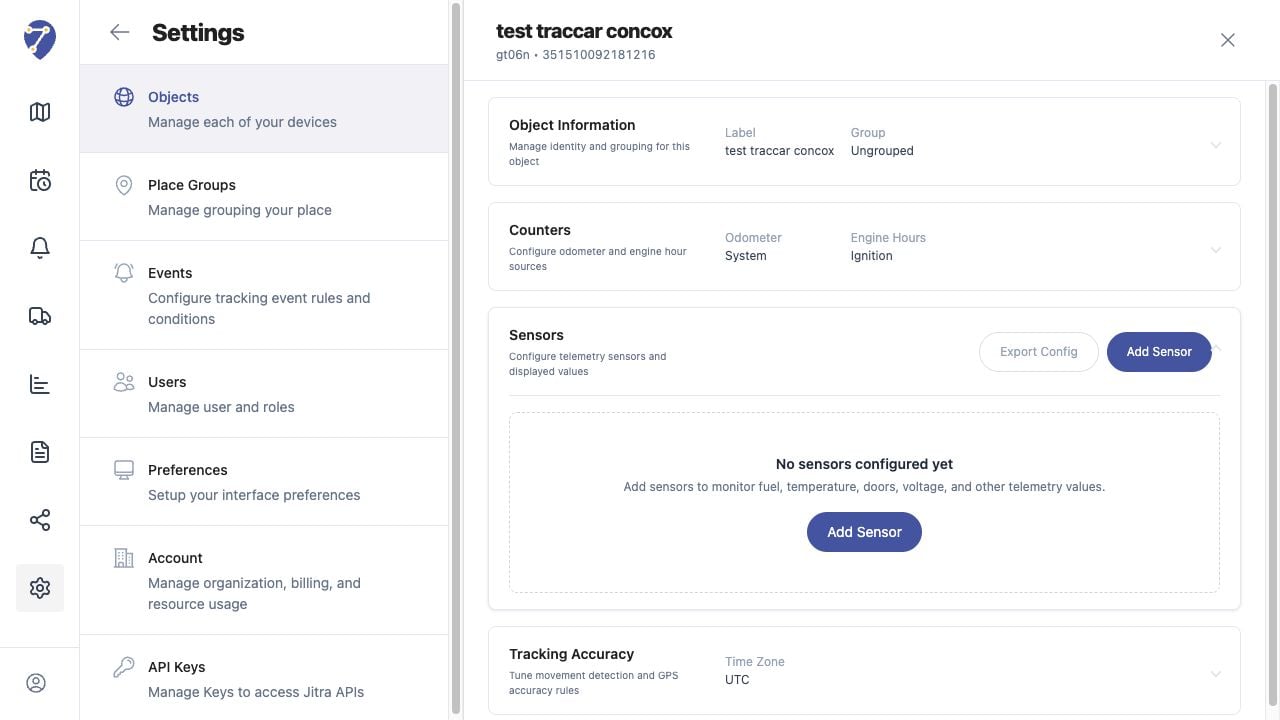
Understanding Sensors and Telemetry in Jitra staging

Reviewing the Result

Confirm the saved or displayed information matches the intended Object, users, period, and Organization workflow.

If the Issue Continues

Review required fields, access permissions, available data, and Organization limits. Contact an Organization administrator or Jitra support when the required control is unavailable.