
Opening Analytics
Select Analytics from the main navigation. The Analytics panel provides Overview, Eco Driving, and Fuel & Emission.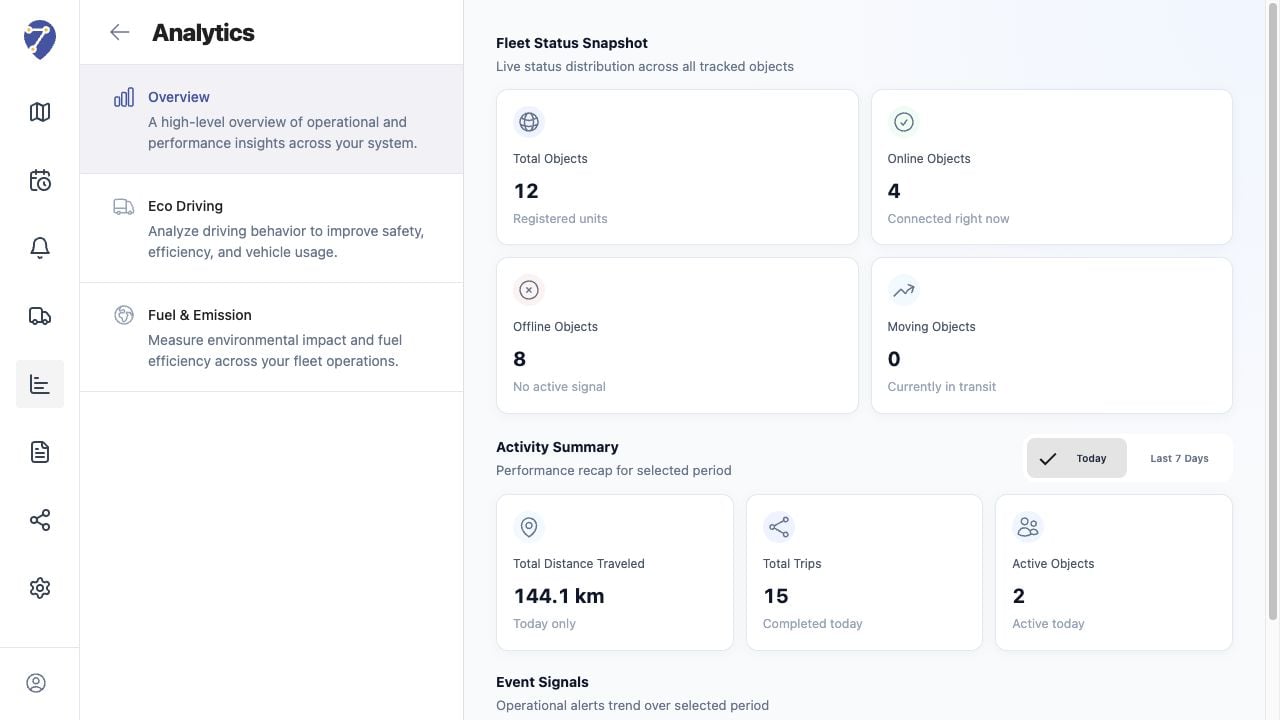
Analytics Overview
Overview provides Fleet Status Snapshot, Activity Summary, and Event Signals. Use it for a high-level view before investigating a specific Object or performance area.Eco Driving
Eco Driving applies a selected Profile to evaluate Speeding, Harsh Acceleration, Harsh Braking, Harsh Cornering, and Excessive Idling. Results are available as fleet summaries and per-Object rows.Fuel & Emission
Fuel & Emission uses a selected Profile to estimate fuel usage, fuel economy, idle fuel, total CO2, and CO2 intensity from distance and configured factors.Data Requirements
- the user has the required Analytics permissions
- Objects are assigned to the correct Profile
- tracking distance and time data are available for the selected period
- Profile thresholds and calculation factors match the vehicle