
Recommended Configuration
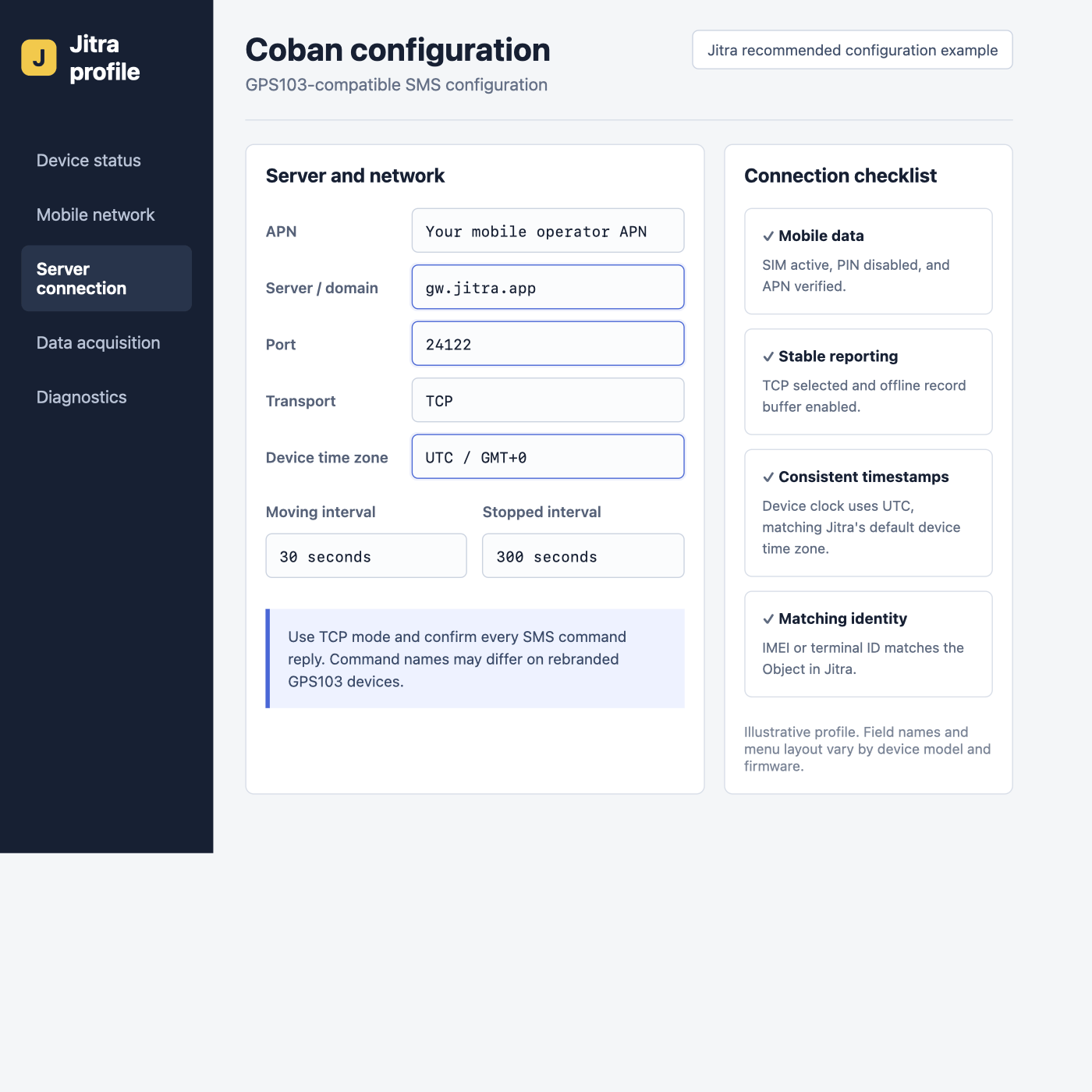
Illustrative Jitra profile for a GPS103-compatible device. Command names vary across Coban and rebranded models.
Configure by SMS
The following sequence applies to common GPS103-A/B firmware using the factory password123456. Replace <APN> and optional credentials with values from the SIM operator.
up command when the APN does not require credentials. On firmware that provides a TCP/UDP switch, select TCP; some models use UDP123456 0 for TCP mode. Use only the command documented for the exact model.
Reporting Interval
GPS103 firmware often uses afix... command, but the accepted format varies. Configure a 30-second moving interval only when the manual confirms the syntax. Avoid copying an interval command from another Coban or TK-series model.
Verify in Jitra
Create the Object in Settings > Objects > New, select the matching Coban model, and enter its IMEI. Confirm a recent update on Tracking. If no data arrives, first verify that the device actually uses GPS103 rather than a visually identical clone protocol.Model References
The FCC-hosted document is the manufacturer-submitted manual for the referenced GPS103AB hardware. For another model or firmware, use the manual supplied with that device.