
Finding Offline Objects
Open Filter by Status and leave Offline selected. This reduces the visible status set so Offline Objects are easier to identify.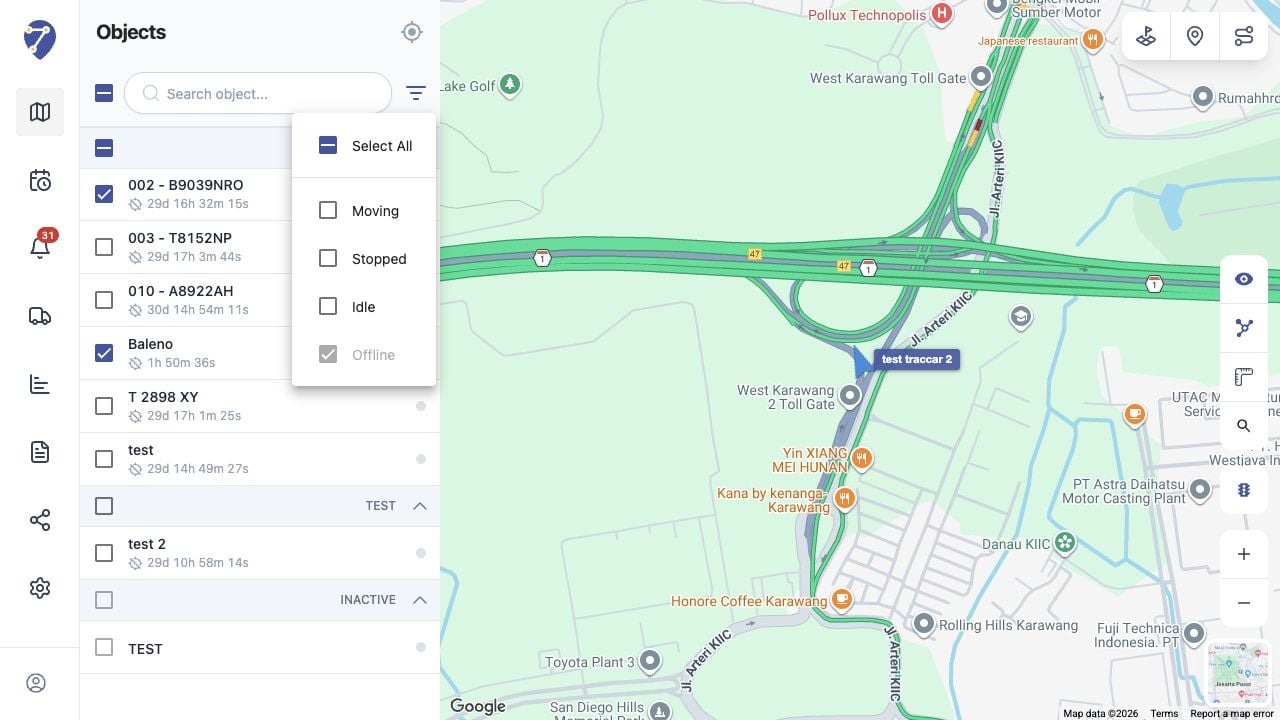
Reading Offline Information
The Objects panel shows the Offline indicator and how long the status has continued. Open Object details to check the time and address of the last received position.Understanding the Map Position
An Offline marker is a historical last-known position, not a live location. Do not assume the Object is still at that point.Why an Object Can Be Offline
- the GPS Device has no power
- mobile or satellite connectivity is unavailable
- the device is disconnected or incorrectly installed
- the device has not sent a new position