
Loading Object History
- Open History.
- Select an Object.
- Choose the required period.
- Click View.
Opening the Events Tab
After History is loaded, open the Events tab. The list shows Events associated with the Object and period.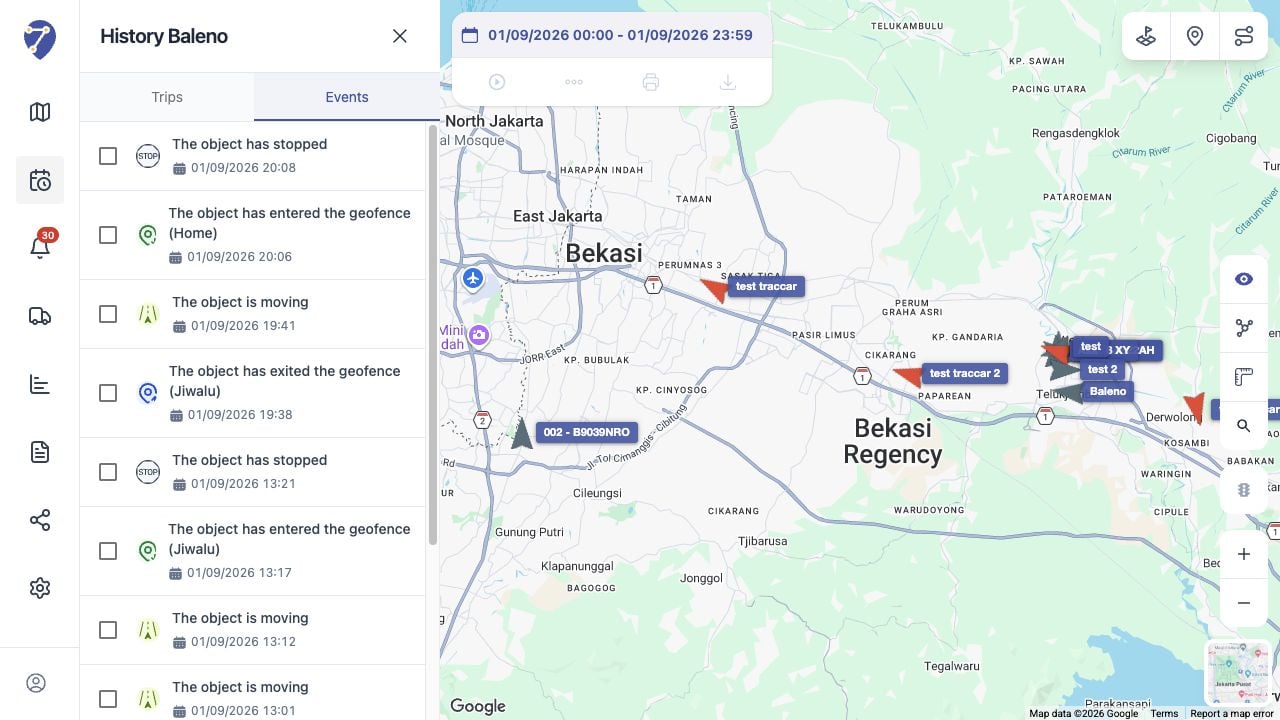
Learn how to view recorded Events alongside an Object’s route and selected History period in Jitra.