
A stationary map marker can be caused by no new positions, movement thresholds, filtering, or Follow not being enabled.

What to Check

  • Check the last update time and connection status.
  • Confirm the Object is selected and not filtered out.
  • Use Follow when the map should move with the Object.
  • Review Minimum Speed to Detect Movement and Minimum Distance Between Points.
  • Check History for new raw points.

Current Jitra Workflow

Open Object Details on Tracking and compare live information with History before changing thresholds.
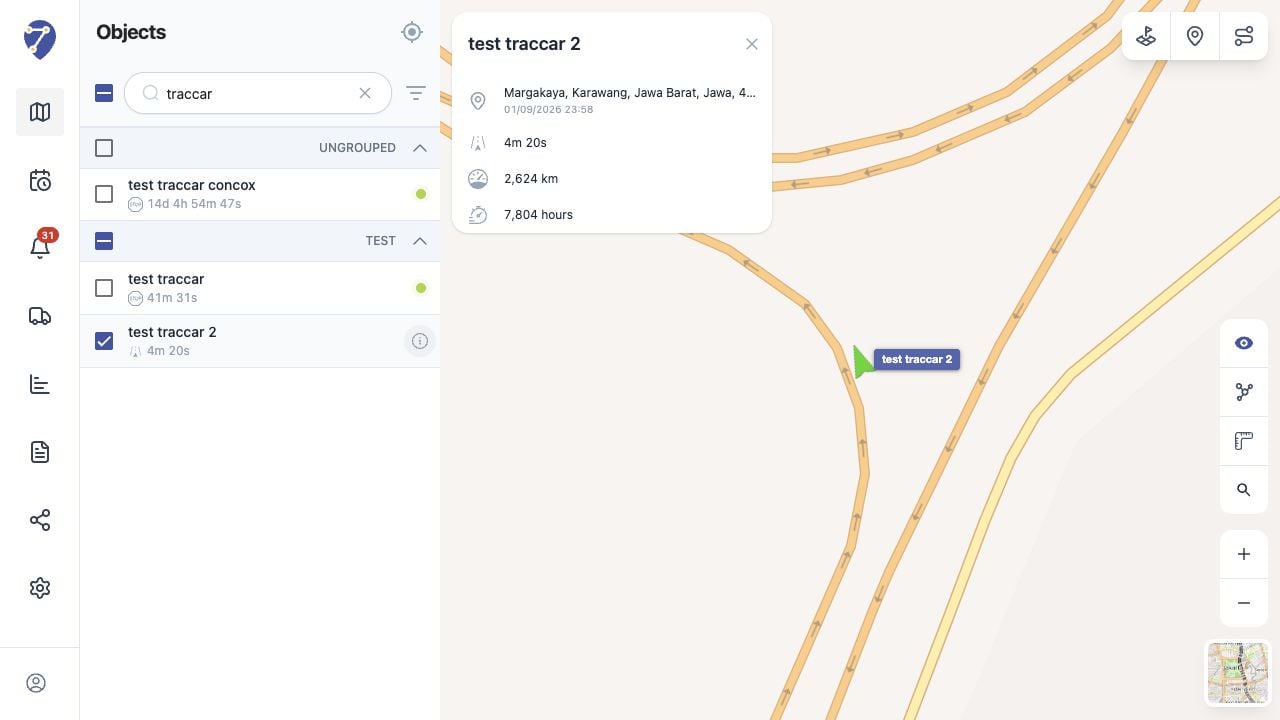
Object Is Not Moving on the Map screen on Jitra staging

Reviewing the Result

Confirm the saved or displayed information matches the intended Object, users, period, and Organization workflow.

If the Issue Continues

Review required fields, access permissions, available data, and Organization limits. Contact an Organization administrator or Jitra support when the required control is unavailable.