Opening Sensors
Open Settings, select Objects, edit an Object, then expand Sensors. The table shows the Sensor Name, Type, Source Parameter, Current Value, Unit, and available actions.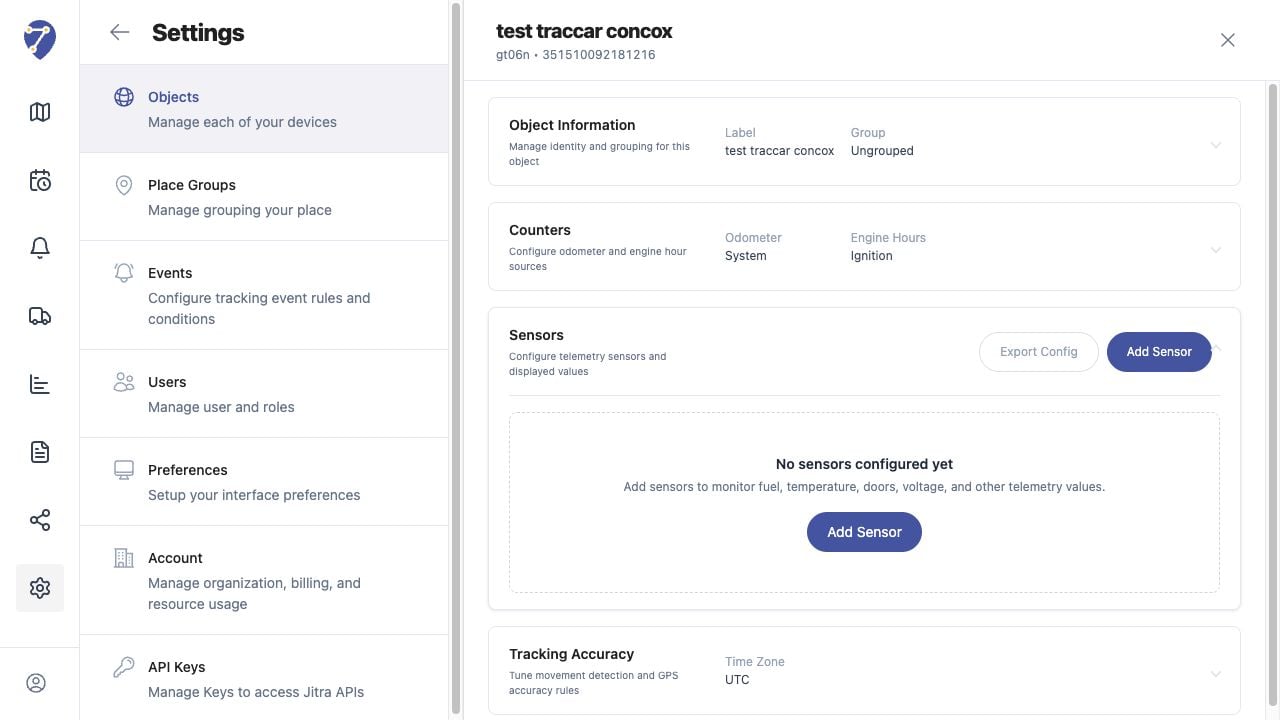
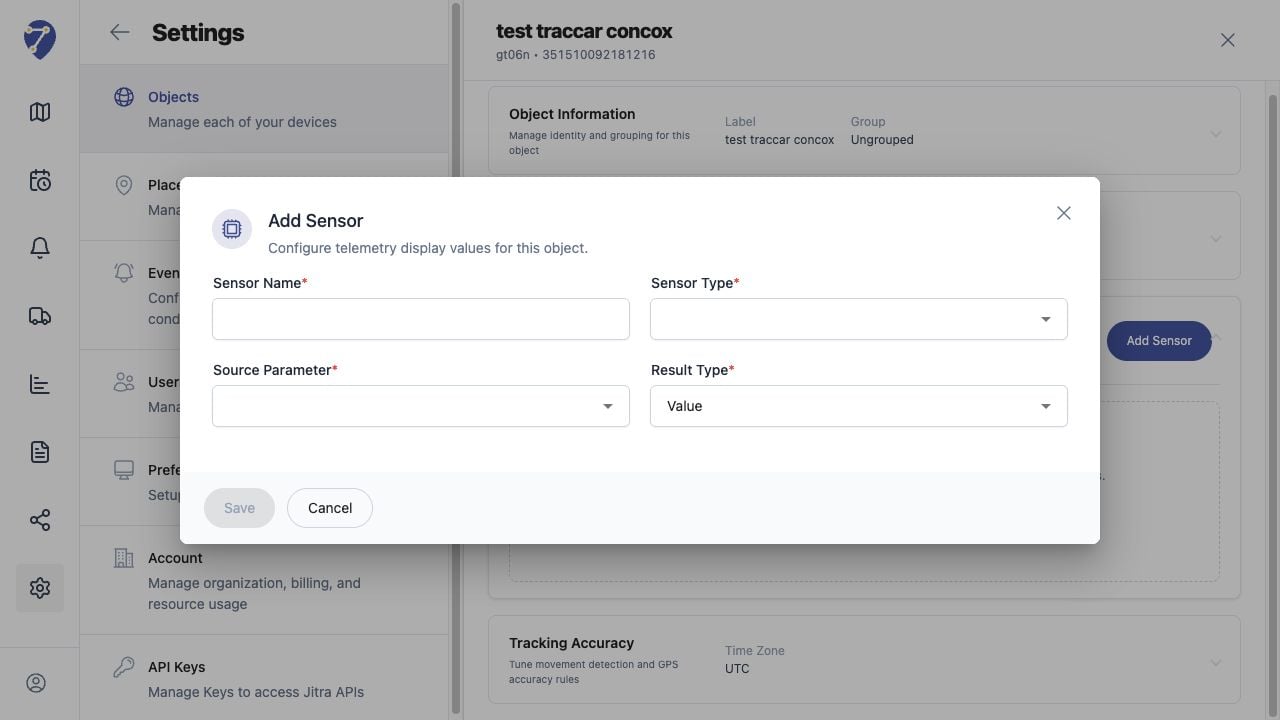
Adding a Sensor
- Click Add Sensor.
- Enter a Sensor Name.
- Select the Sensor Type.
- Select the Source Parameter received from the GPS Device.
- Choose the Result Type, then click Save.