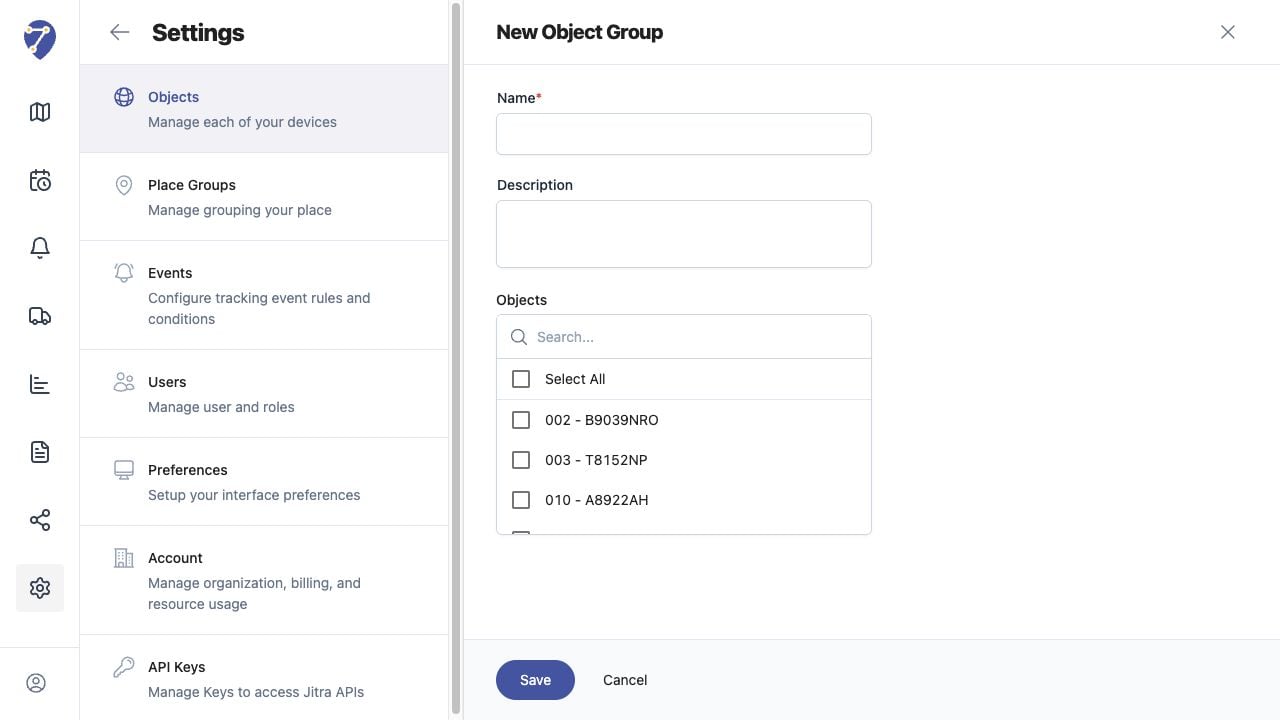
Object Groups organize related Objects so they are easier to select and monitor together.

Opening Object Groups

Open Settings, select Objects, then open the Object Groups tab. The page lists existing group names and descriptions.

Creating an Object Group

  1. Click New.
  2. Enter a Name and optional Description.
  3. Select the Objects that belong to the group.
  4. Click Save.
Using Object Groups in Jitra staging

Assigning an Object from Object Information

You can also open an Object, expand Object Information, and select a Group. Save the Object Information after changing the assignment.

Using Groups in Tracking

Tracking displays grouped Objects under their group heading. Use the group checkbox to show or hide the Objects in that group together.

Updating Group Membership

Review the selected Objects before saving changes to a group. Removing an Object from a group changes its organization but does not change its GPS Device connection.