
A configured Sensor remains empty when its source parameter is absent, incompatible, or transformed incorrectly.

What to Check

  • Confirm the device sent recent data.
  • Verify the exact Source Parameter.
  • Review scaling, result mode, conditions, and Unit.
  • Compare the configured mapping with raw device information.
  • Check the GPS Device model and firmware configuration.

Current Jitra Workflow

Edit the Sensor without changing unrelated Object settings, then wait for a new message containing the parameter.
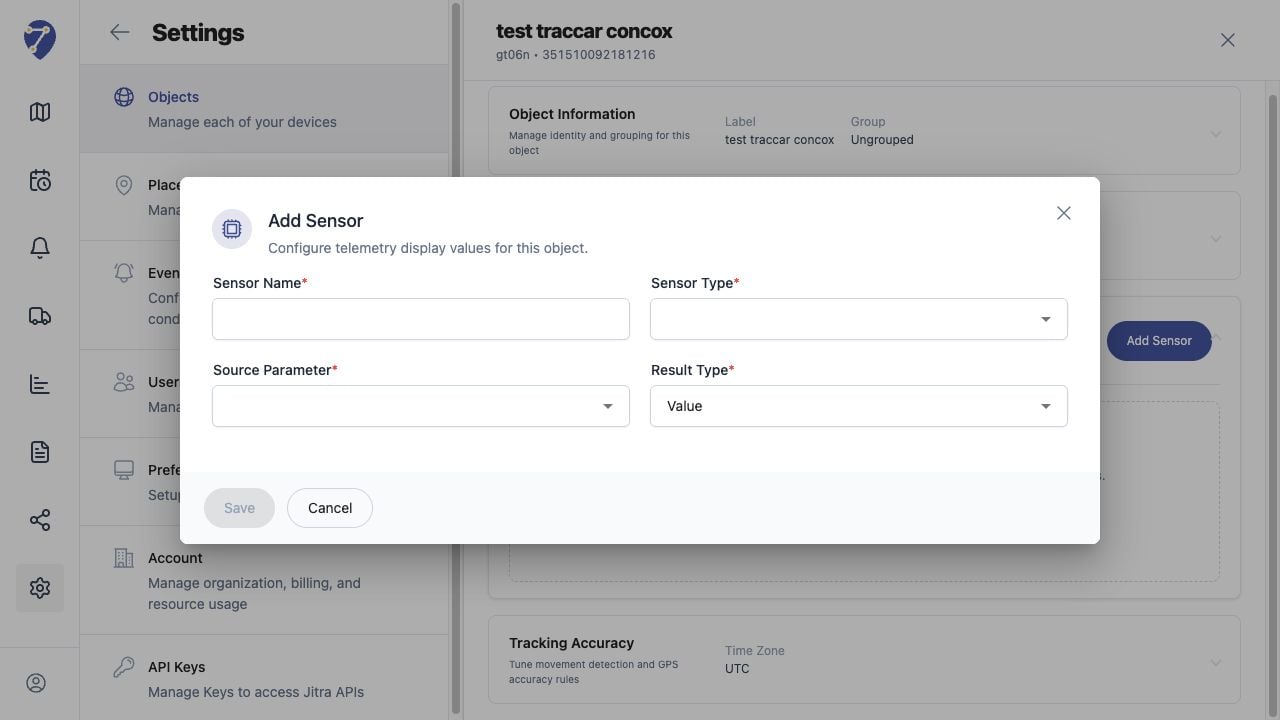
Troubleshooting Missing Sensor Data in Jitra staging

Reviewing the Result

Confirm the saved or displayed information matches the intended Object, users, period, and Organization workflow.

If the Issue Continues

Review required fields, access permissions, available data, and Organization limits. Contact an Organization administrator or Jitra support when the required control is unavailable.