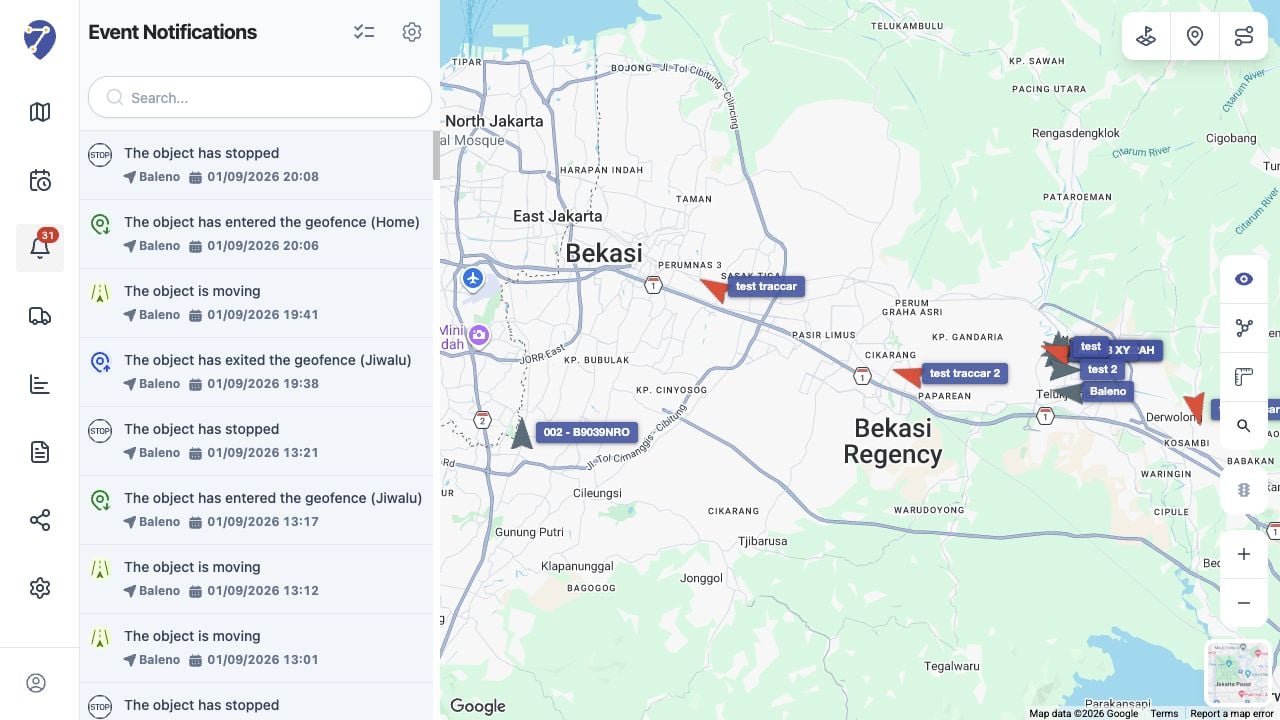
Parts of an Event Rule
- Event Setting: the Event Type, rule Name, and selected Objects
- Triggers Setting: the values or conditions that cause the Event
- Notifications Setting: System message, email, webhook, and the Notification message
Viewing Configured Events
Open Settings and select Events. The table shows each rule’s Name, Event Type, Active status, and action menu.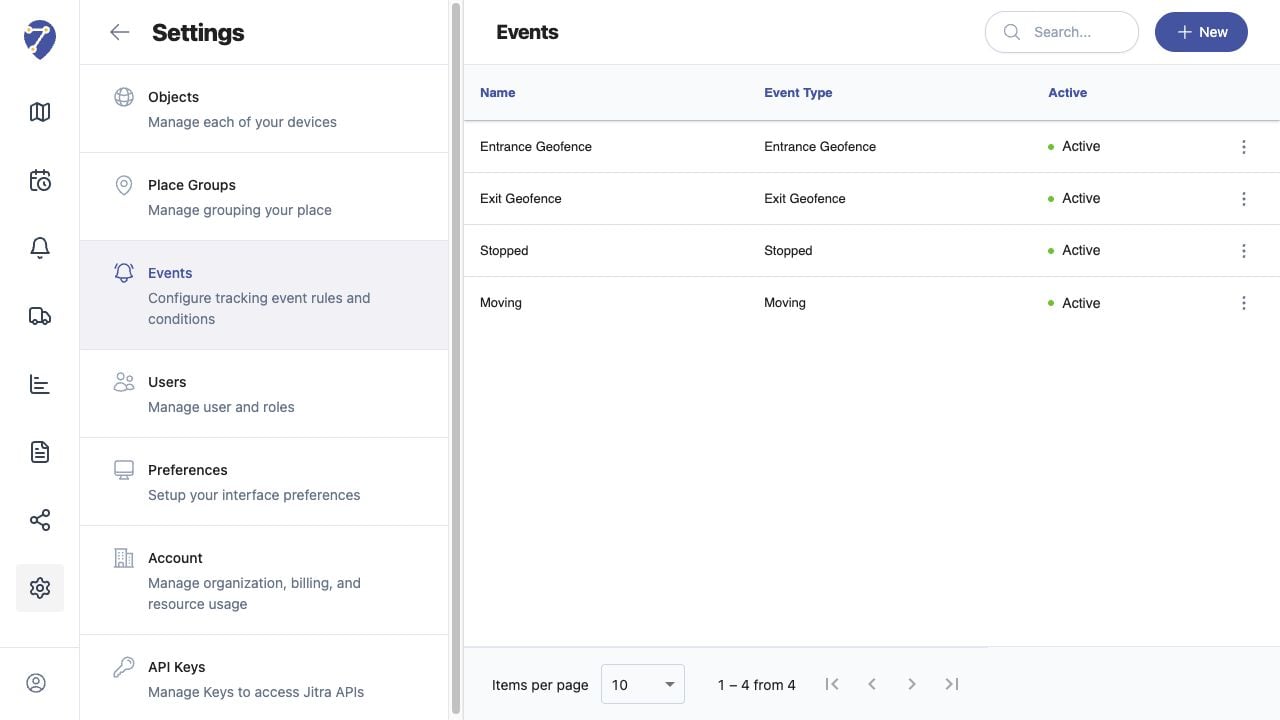
What Happens When a Trigger Matches
Jitra evaluates incoming Object data against the rule. When the configured condition is met, it creates the Event and uses the enabled notification options. A cooldown can prevent repeated Events from being created too close together.Where Events Appear
System messages appear on Event Notifications. Events associated with historical tracking data can also be reviewed from the Events tab in History.