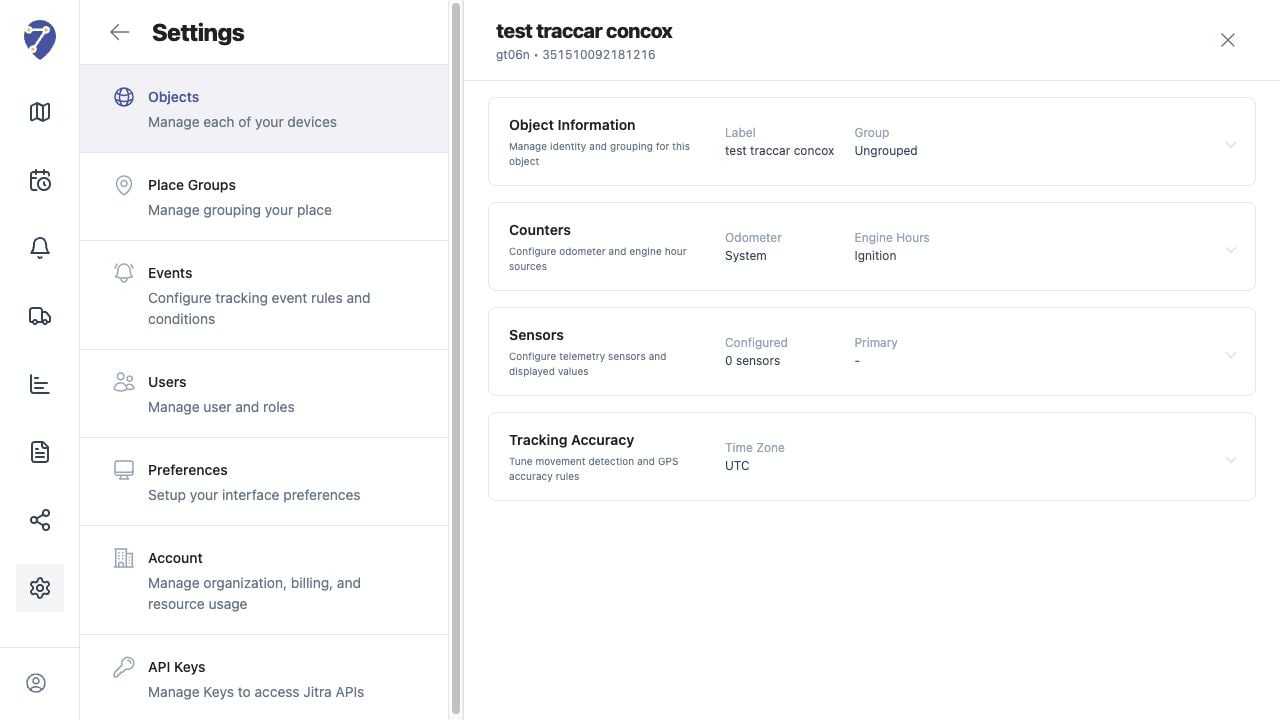
Opening the Objects Page
Open Settings, select Objects, then open the Objects tab. The table shows each Object’s Label, Device ID, Group, and GPS Device model.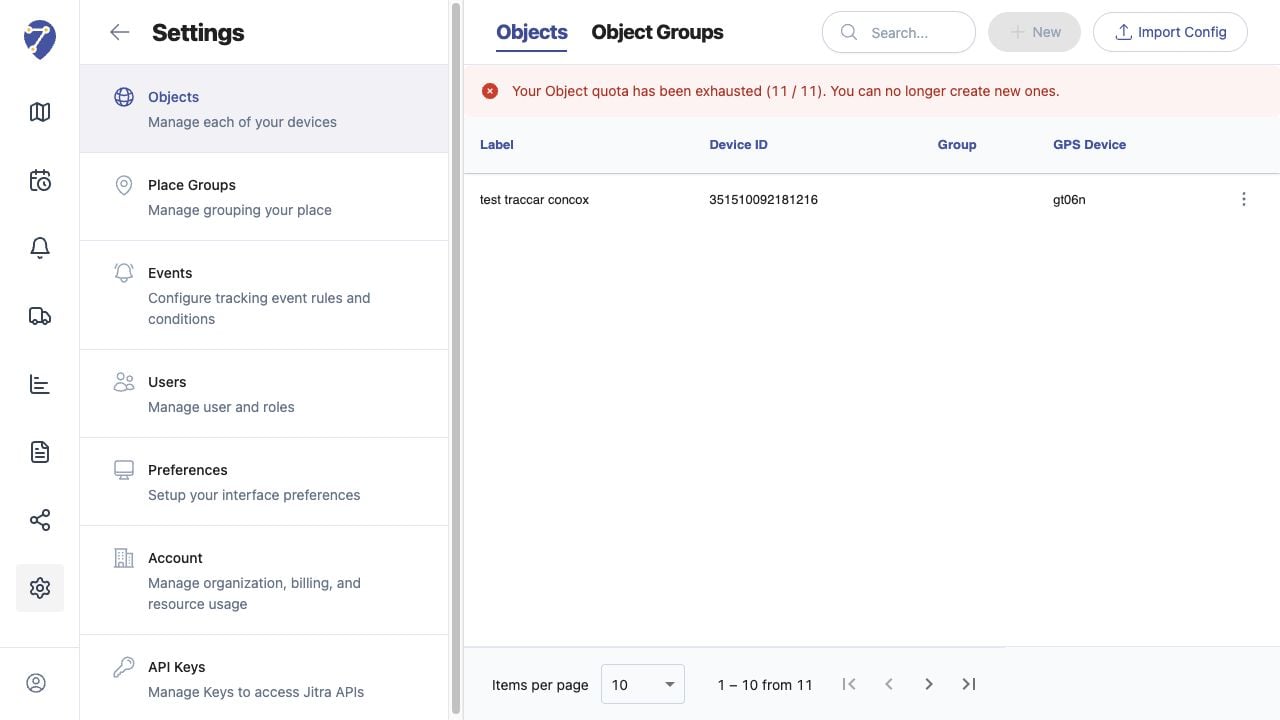
Information Stored for an Object
- Label, Group, VIN, and Plate Number
- GPS Device model and Device ID
- Odometer and Engine Hours counters
- configured telemetry Sensors
- Tracking Accuracy and movement rules
Understanding the Settings Sections
Open the action menu for an Object and select Edit. Jitra groups its editable settings into Object Information, Counters, Sensors, and Tracking Accuracy.