
Sign-in failures can come from credentials, account status, Organization access, browser state, or network conditions.

What to Check

  • Confirm the email and password without sharing them.
  • Check keyboard layout and password manager values.
  • Use the supported password-reset flow when available.
  • Ask an administrator to confirm the user is Active.
  • Retry after checking network and browser cookies.

Current Jitra Workflow

Do not create a duplicate user solely to bypass a sign-in problem. Resolve the existing account state first.
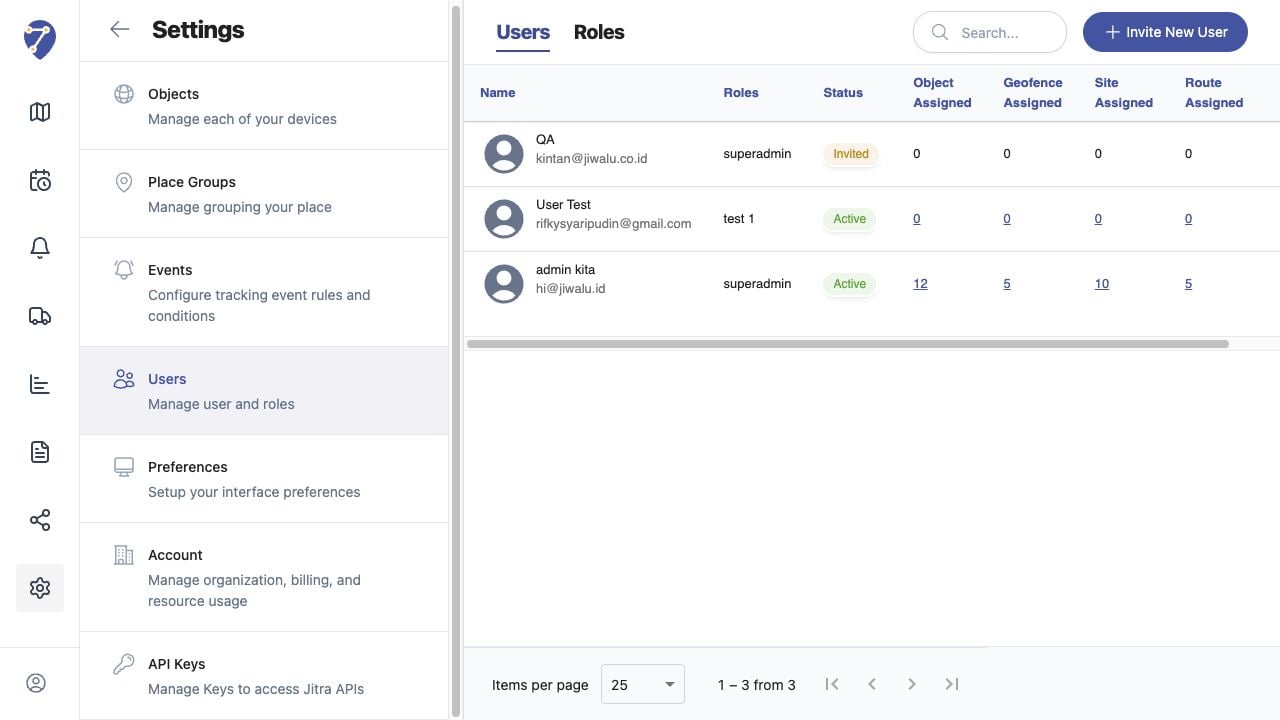
Cannot Sign In to Jitra screen on Jitra staging

Reviewing the Result

Confirm the saved or displayed information matches the intended Object, users, period, and Organization workflow.

If the Issue Continues

Review required fields, access permissions, available data, and Organization limits. Contact an Organization administrator or Jitra support when the required control is unavailable.