Opening Event Notifications
Select Event Notifications from the main navigation. The list shows the Event message, Object, and date and time. Use Search to narrow the visible entries.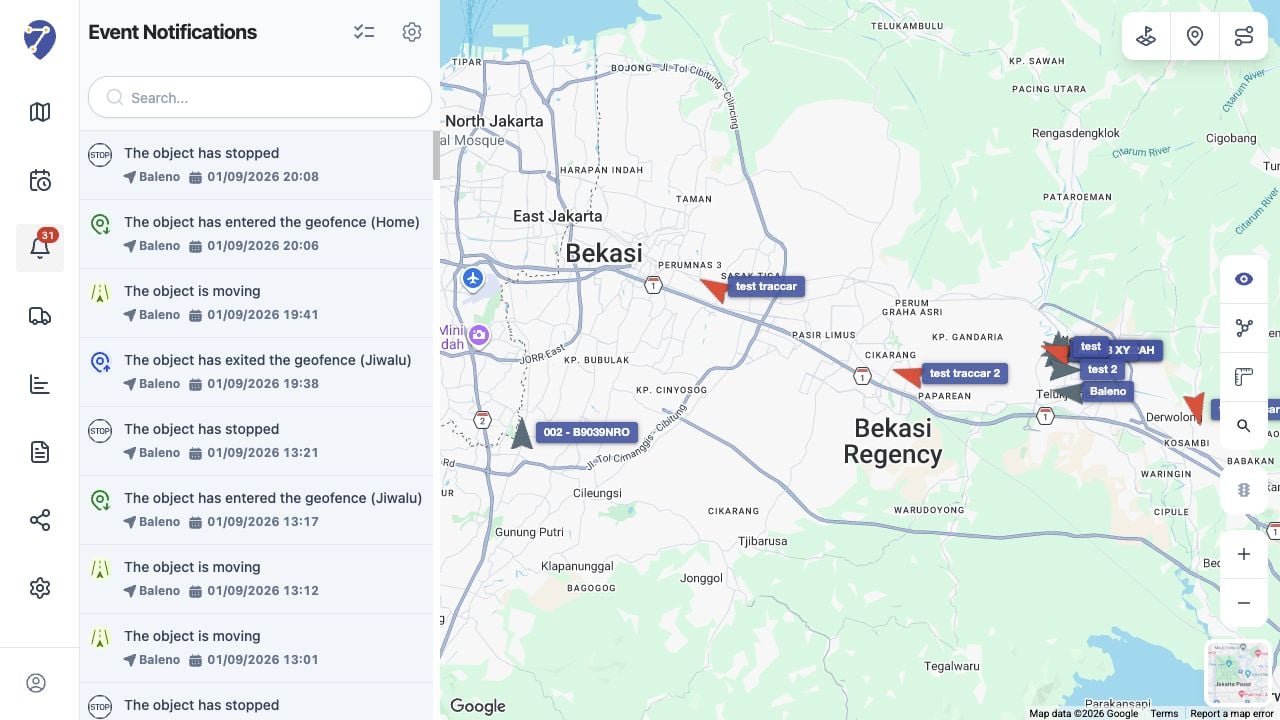
Opening an Event
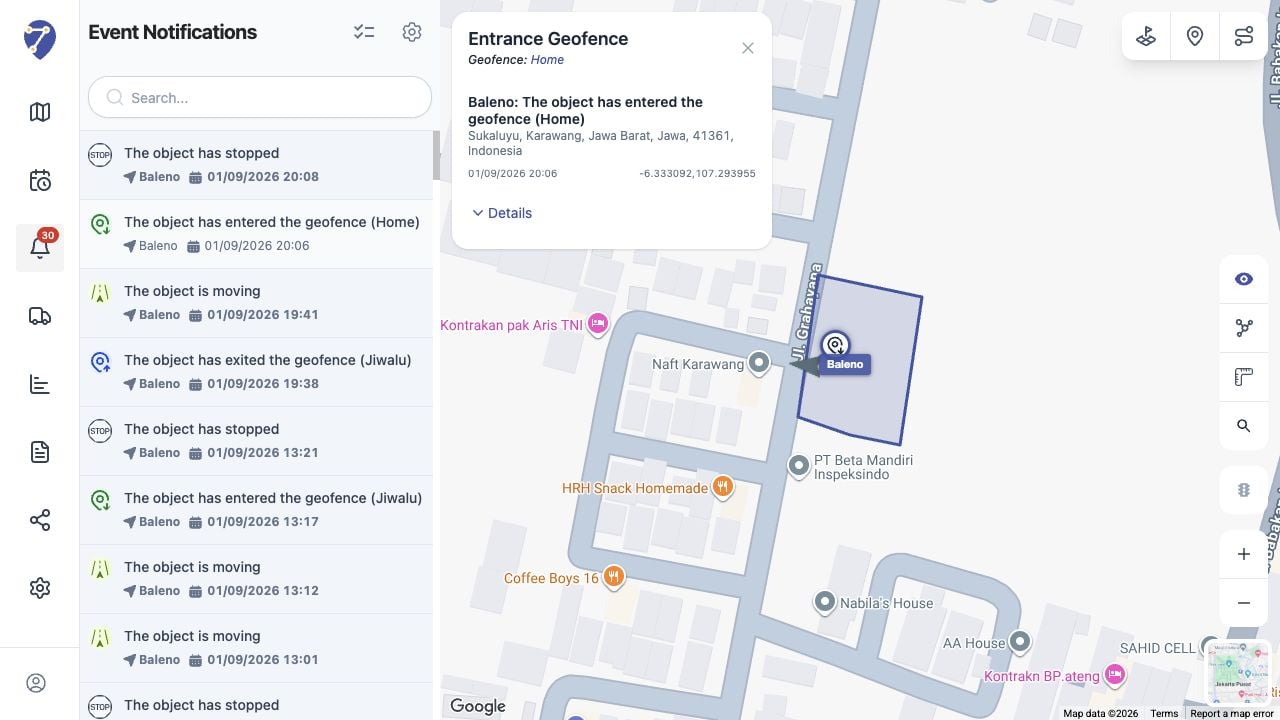
Select an entry to focus its location on the map and open the Event panel. The map can also show nearby Objects and route context.Reading Event Details
The panel shows the Event name, related Geofence when applicable, Object and message, address, timestamp, and coordinates. Expand Details when additional information is available.