
Payment begins from a valid billable subscription change or an available invoice, depending on the Organization state.

What to Check

  • Verify Organization and billing details.
  • Review plan, quota, add-ons, billing period, tax, and Total Due.
  • Obtain internal approval.
  • Click Process only when enabled.
  • Confirm the resulting invoice or subscription status.

Current Jitra Workflow

Billing Settings stores Billing Address, Tax ID, and Billing Email. Keep them current before initiating payment.
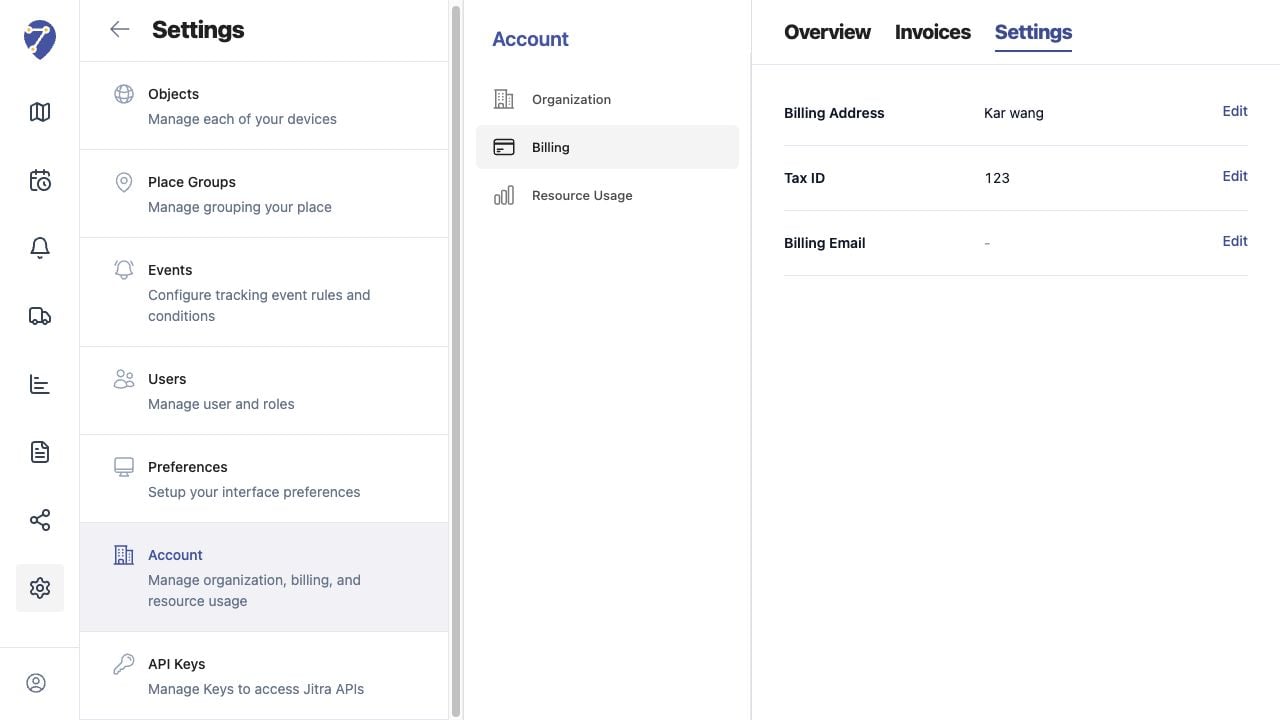
Making a Payment screen on Jitra staging

Reviewing the Result

Confirm the saved or displayed information matches the intended Object, users, period, and Organization workflow.

If the Issue Continues

Review required fields, access permissions, available data, and Organization limits. Contact an Organization administrator or Jitra support when the required control is unavailable.