
An upgrade increases plan capacity, Object quota, retention, Integration, or Fleet features and can create a payment due.

What to Check

  1. Open Manage Subscription.
  2. Select the higher plan, quota, or add-on.
  3. Review the Payment Summary and billing period.
  4. Confirm approval and pricing.
  5. Use Process when enabled.

Current Jitra Workflow

Prices and available options are shown in the dialog and can change. Use the values displayed at the time of purchase.
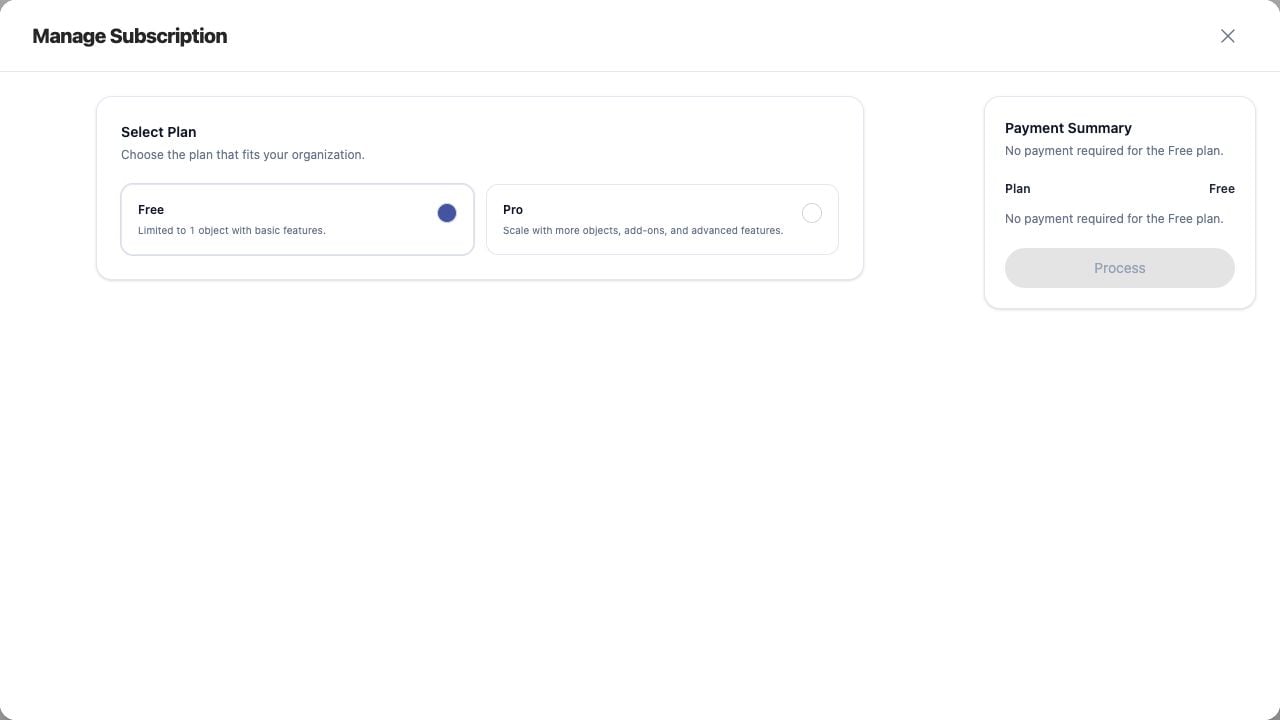
Upgrading Your Subscription screen on Jitra staging

Reviewing the Result

Confirm the saved or displayed information matches the intended Object, users, period, and Organization workflow.

If the Issue Continues

Review required fields, access permissions, available data, and Organization limits. Contact an Organization administrator or Jitra support when the required control is unavailable.