
A downgrade reduces capacity and must not place current usage above the selected plan or quota.

What to Check

  • Compare Object In Use with the new quota.
  • Review storage-retention impact on older History.
  • Check Integration and Fleet dependencies.
  • Review effective date and charges before confirmation.
  • Export or retain required data according to policy.

Current Jitra Workflow

The dialog shows current quota and Objects in use. Jitra may prevent a change that is incompatible with current usage.
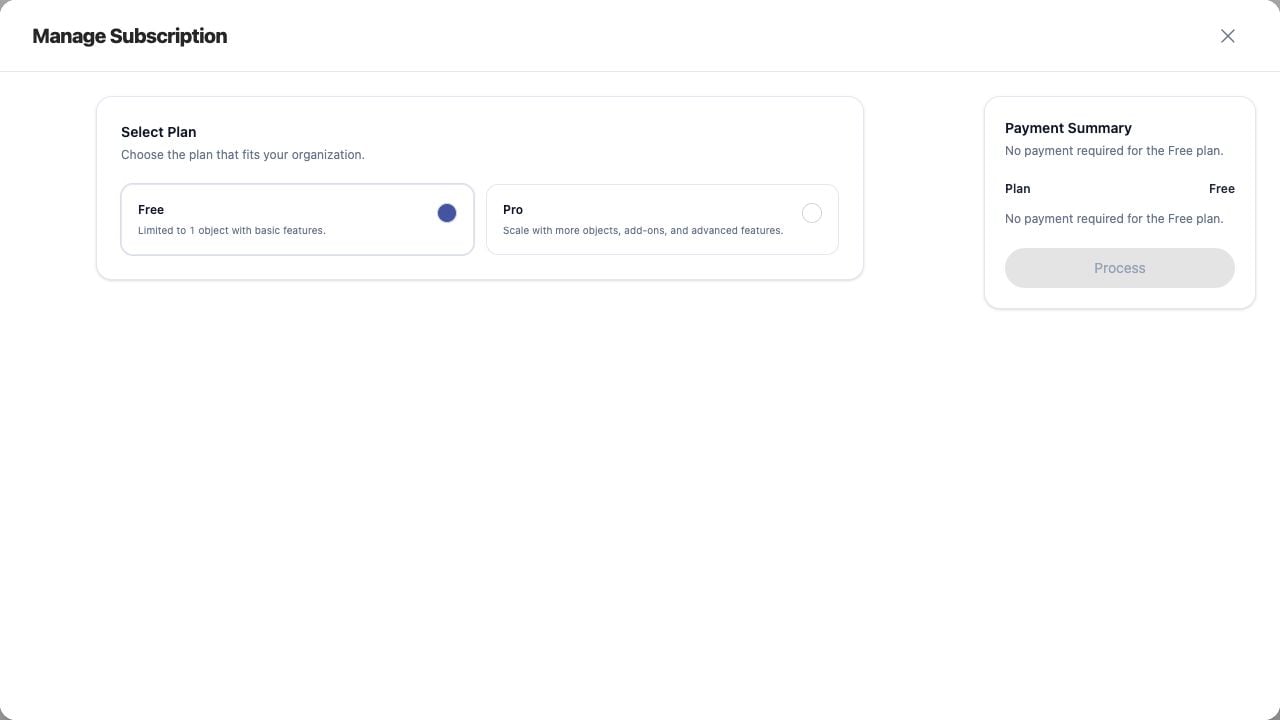
Downgrading Your Subscription screen on Jitra staging

Reviewing the Result

Confirm the saved or displayed information matches the intended Object, users, period, and Organization workflow.

If the Issue Continues

Review required fields, access permissions, available data, and Organization limits. Contact an Organization administrator or Jitra support when the required control is unavailable.