
Invoices record billed subscription transactions with an Invoice Code, Invoice Date, Due Date, Status, and Total.

What to Check

  • Invoice Code identifies the document.
  • Invoice Date and Due Date define timing.
  • Status indicates payment state.
  • Total shows the billed amount.
  • No data available means no invoice is currently listed.

Current Jitra Workflow

Open Settings > Account > Billing > Invoices and select an available invoice when details or payment actions are provided.
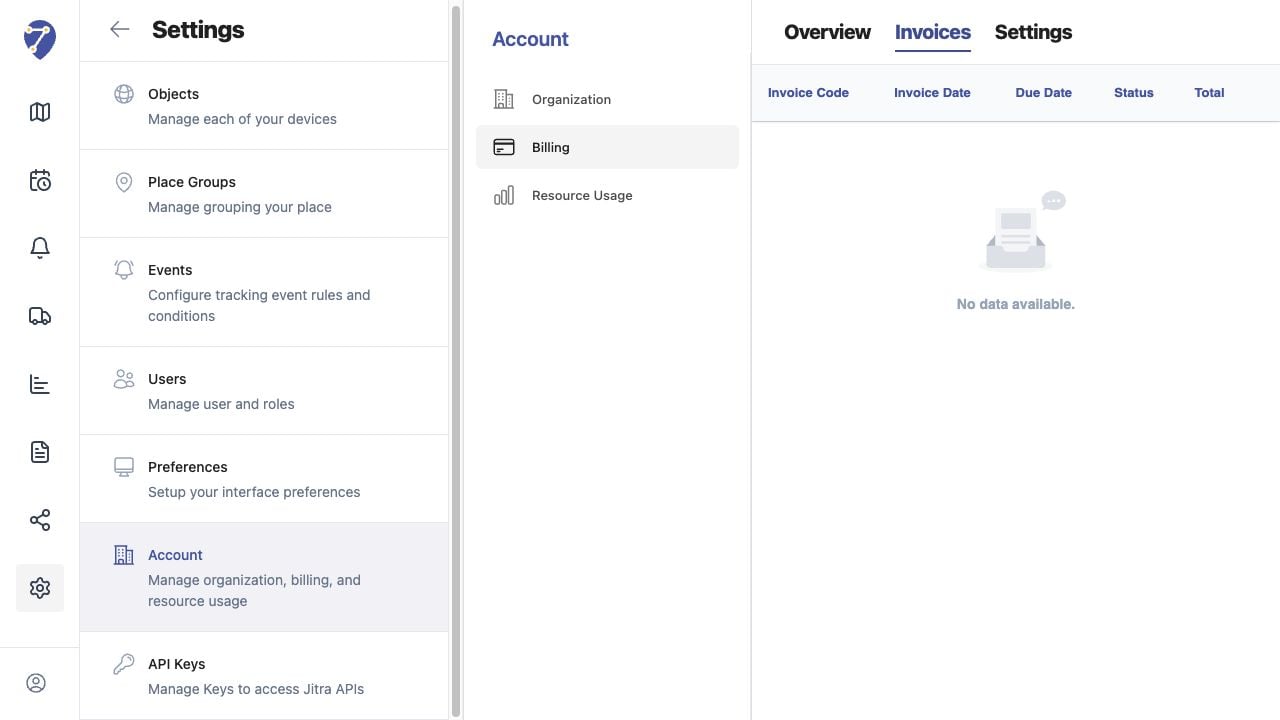
Understanding Invoices screen on Jitra staging

Reviewing the Result

Confirm the saved or displayed information matches the intended Object, users, period, and Organization workflow.

If the Issue Continues

Review required fields, access permissions, available data, and Organization limits. Contact an Organization administrator or Jitra support when the required control is unavailable.