
Creating the Route
- Open Tracking and click Show Routes.
- Click the plus button.
- Enter Name and review Color, Group, and Description.
- Search for From Location and To Location.
- Adjust Deviation and review the map preview.
- Click Save.
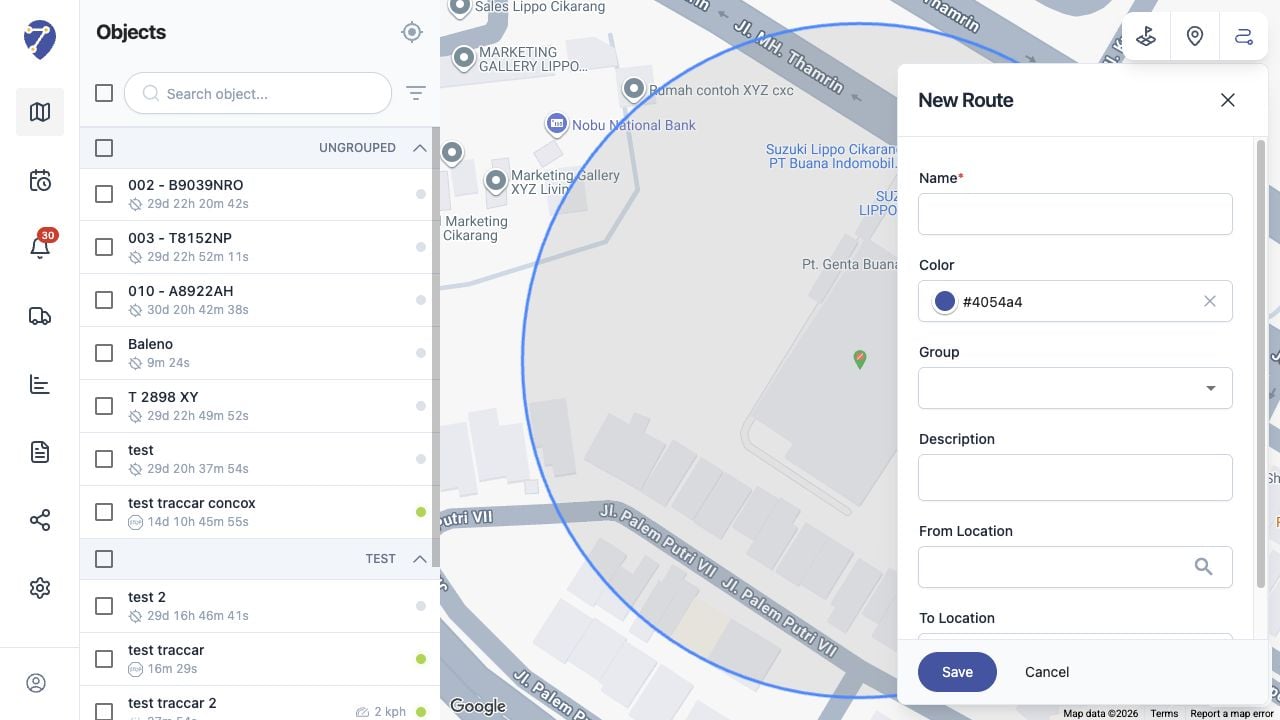
Learn how to create a Route from the Jitra Tracking map and configure its required location fields.