
Opening Routes
Open Tracking and click Show Routes. The panel lists saved Routes and provides search, selection, creation, and action controls.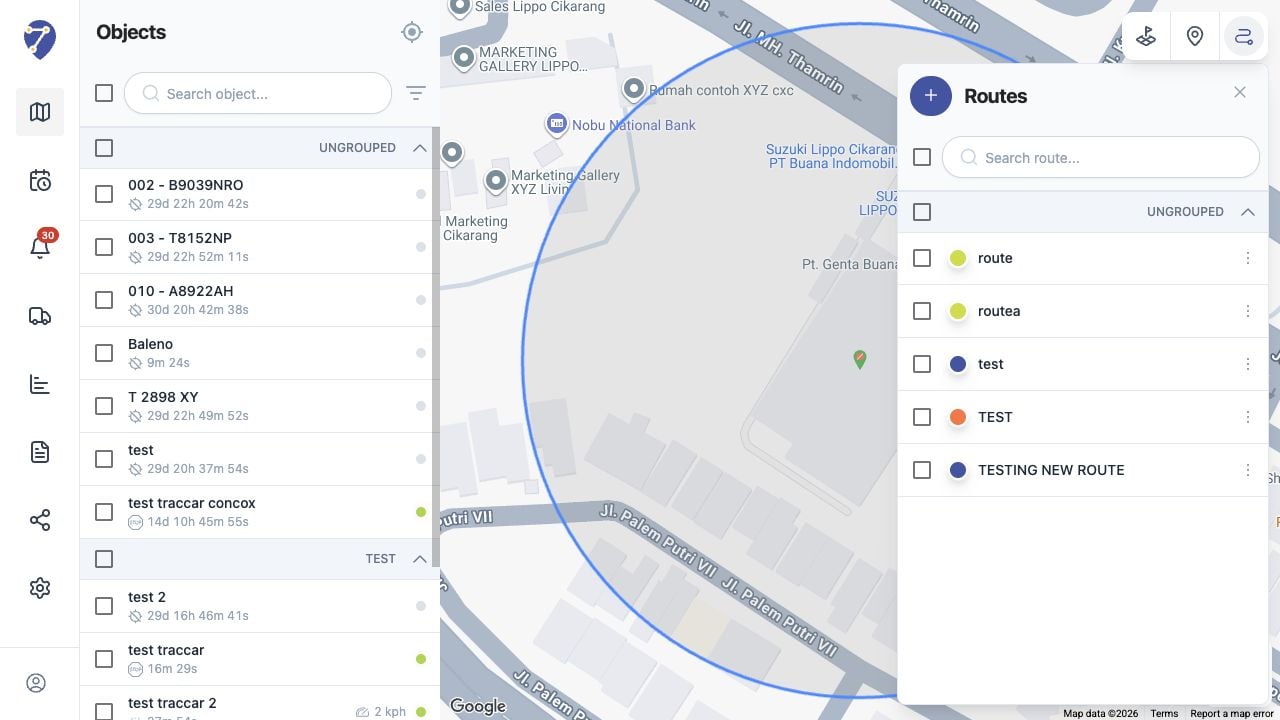
Route Information
- Name: the label shown in the Routes panel
- Color: the line color on the map
- Group: the optional Place Group
- Description: additional route information
- From Location and To Location: the route endpoints
- Deviation: the allowed distance from the route in kilometres