
A Site is a circular place defined by a center point and Radius. It is useful for locations that do not require a custom polygon.

Opening Sites

Open Tracking and click Show Sites. The panel lists saved Sites and provides search, selection, creation, and action controls.
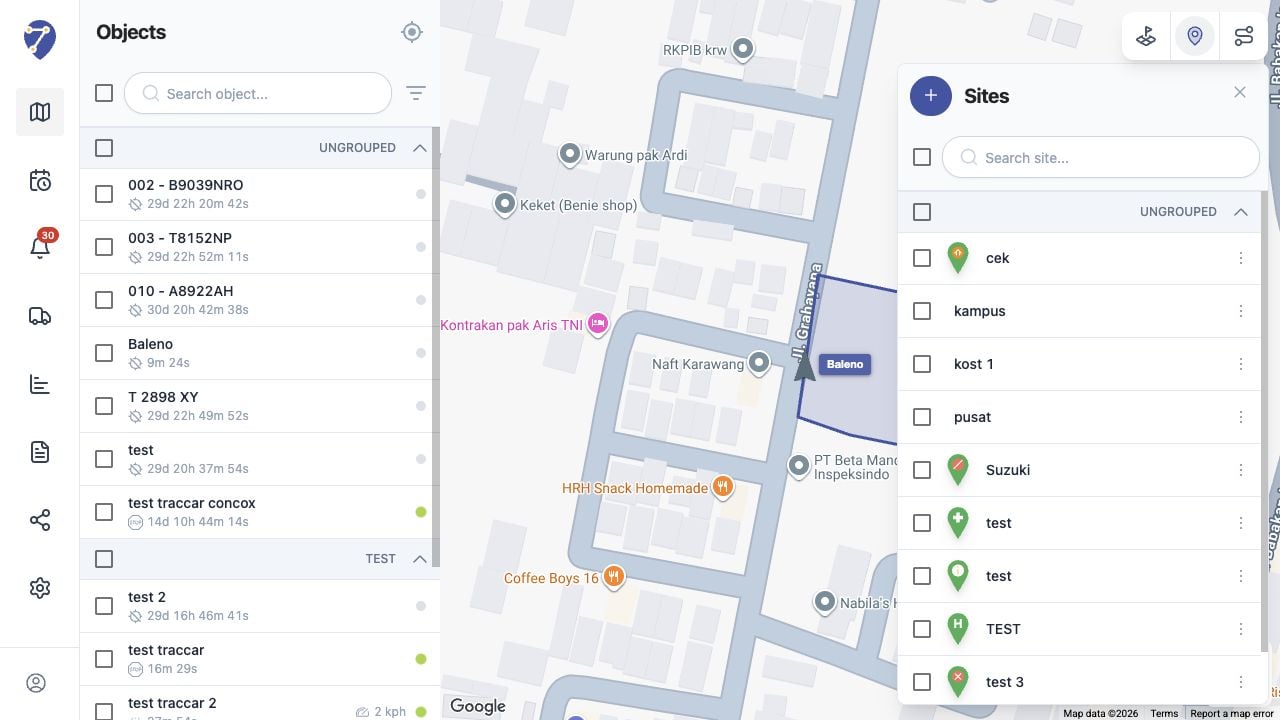
Understanding Sites in Jitra staging

Site Information

  • Name: the label shown in the Sites panel
  • Center point: the Site location selected on the map
  • Radius: the distance in meters around the center
  • Group: the optional Place Group
  • Description: additional information about the location

Using Place Groups

The Group field can organize related Sites. The panel displays grouped and Ungrouped items under separate headings.

Using Sites on the Map

Select the checkbox beside a Site to display its circular boundary on the map. The selected Site is focused so its coverage can be inspected.