
API authentication proves that a request comes from an authorized client; use the authentication scheme specified by the current Jitra API Reference.

What to Check

  • Use only the issued API Key for that client.
  • Send it using the header or scheme documented for the endpoint.
  • Never include the key in a public URL or log.
  • Rotate and revoke credentials when exposure is suspected.
  • Treat 401 and 403 as different authentication or authorization failures.

Current Jitra Workflow

The API Keys page creates credentials; it does not show or change the authentication contract for individual endpoints.
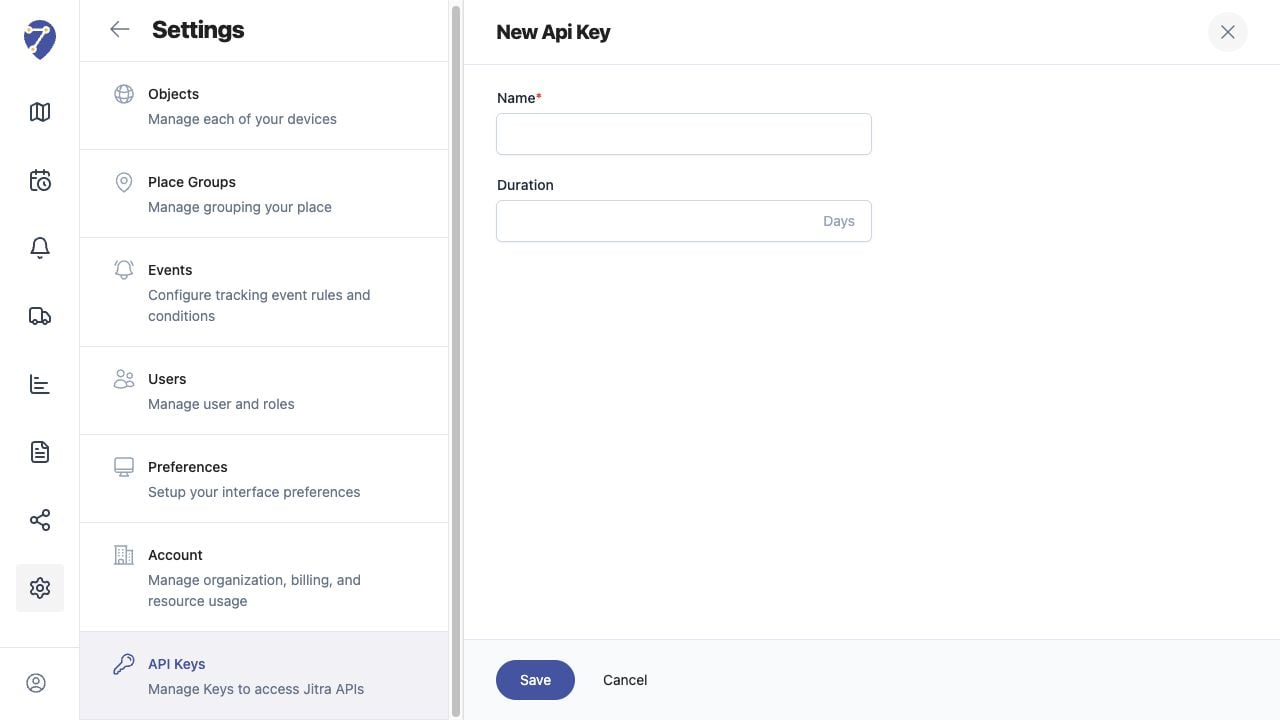
Understanding API Authentication screen on Jitra staging

Reviewing the Result

Confirm the saved or displayed information matches the intended Object, users, period, and Organization workflow.

If the Issue Continues

Review required fields, access permissions, available data, and Organization limits. Contact an Organization administrator or Jitra support when the required control is unavailable.