
The current UI can enable Notification webhook on an Event, but it does not expose a form for creating or editing the destination URL.

What to Check

  1. Prepare an HTTPS endpoint owned by the approved integration.
  2. Agree on authentication, payload schema, timeout, and retry behavior.
  3. Coordinate endpoint provisioning with the Organization administrator or Jitra support.
  4. Enable Notification webhook on the Event rule.
  5. Test using a controlled Event and monitor Resource Usage.

Current Jitra Workflow

Do not invent or enter a URL in another field such as Notification message. Endpoint configuration must follow the supported integration process.
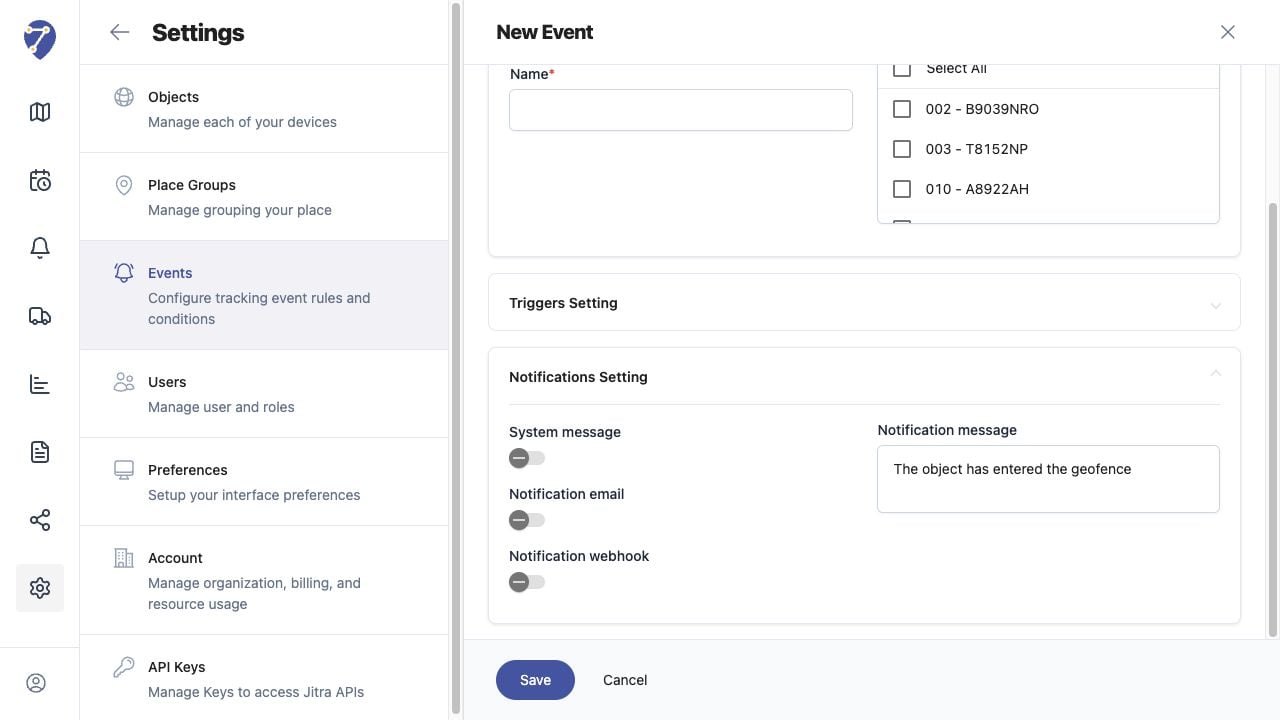
Creating a Webhook screen on Jitra staging

Reviewing the Result

Confirm the saved or displayed information matches the intended Object, users, period, and Organization workflow.

If the Issue Continues

Review required fields, access permissions, available data, and Organization limits. Contact an Organization administrator or Jitra support when the required control is unavailable.