
Start an API integration by defining the data requirement, access scope, client ownership, and quota before issuing a credential.

What to Check

  1. Identify the approved use case and responsible owner.
  2. Confirm the Organization and Objects in scope.
  3. Create a short-lived API Key for initial testing.
  4. Use the current API Reference for endpoints and schemas.
  5. Monitor Integration usage and handle errors without exposing secrets.

Current Jitra Workflow

The Jitra UI manages API Keys but does not display endpoint documentation on the API Keys page.
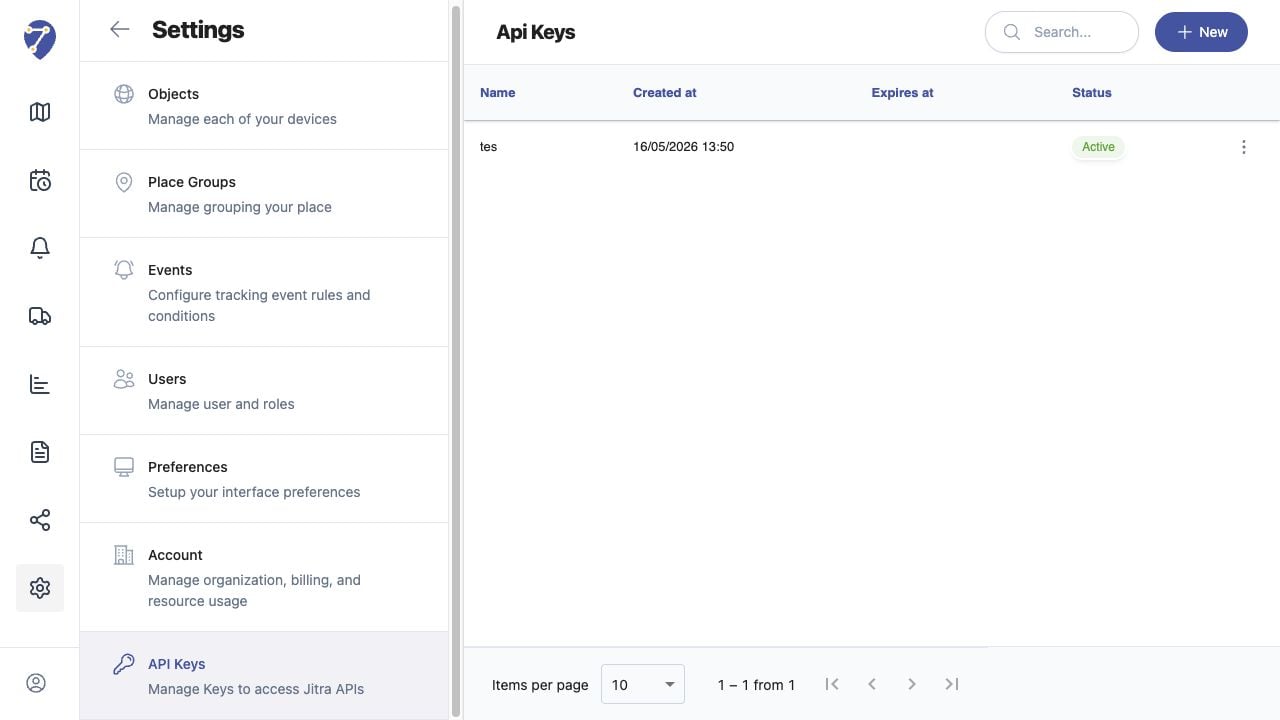
Getting Started with the Jitra API screen on Jitra staging

Reviewing the Result

Confirm the saved or displayed information matches the intended Object, users, period, and Organization workflow.

If the Issue Continues

Review required fields, access permissions, available data, and Organization limits. Contact an Organization administrator or Jitra support when the required control is unavailable.