
Webhook failures can occur before delivery, during the HTTP request, or while the receiving system processes the payload.

What to Check

  • Confirm the Event was created.
  • Verify Notification webhook is enabled.
  • Check quota and per-Object status in Resource Usage.
  • Verify endpoint availability, TLS, authentication, and response status.
  • Check receiver logs without recording secrets.
  • Avoid uncontrolled retry loops.

Current Jitra Workflow

Use Event Notifications to confirm the source rule worked, then separate a delivery problem from an Event-trigger problem.
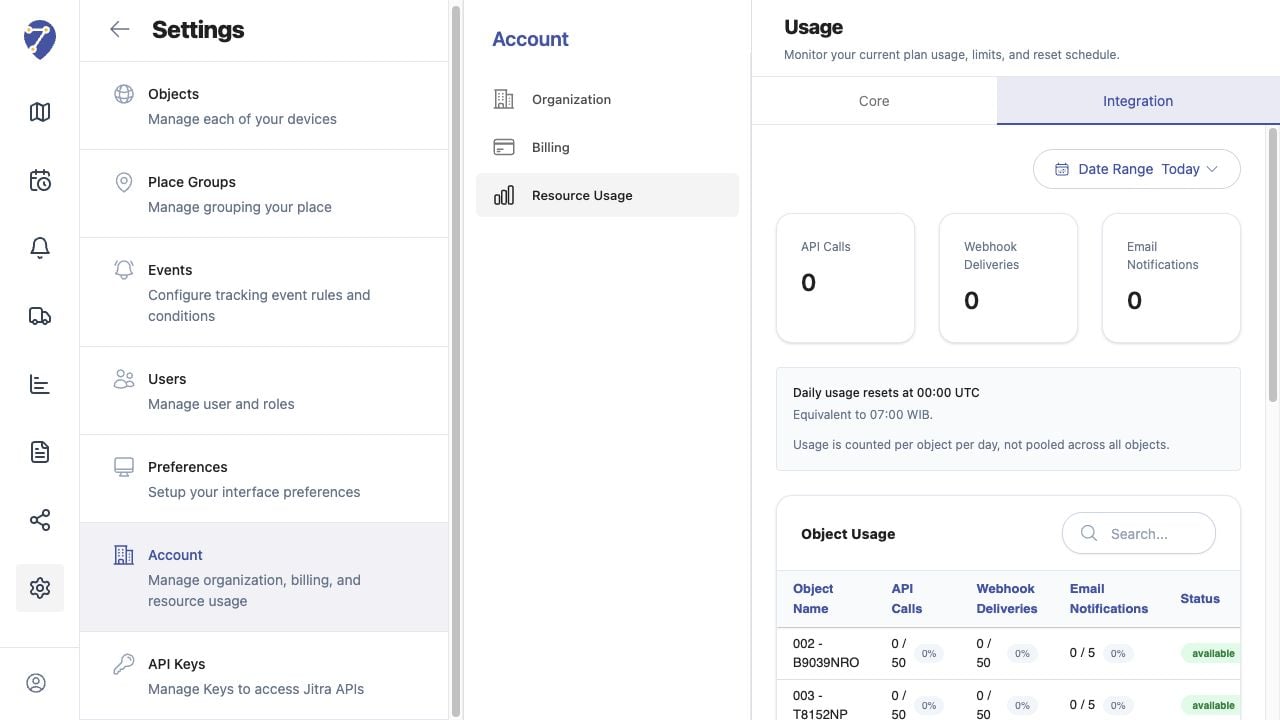
Troubleshooting Webhooks screen on Jitra staging

Reviewing the Result

Confirm the saved or displayed information matches the intended Object, users, period, and Organization workflow.

If the Issue Continues

Review required fields, access permissions, available data, and Organization limits. Contact an Organization administrator or Jitra support when the required control is unavailable.