
A webhook delivers an Event notification from Jitra to an approved external endpoint after its trigger condition is met.

What to Check

  • An Event rule defines the trigger and assigned Objects.
  • Notification webhook enables webhook delivery for that rule.
  • The external endpoint must accept the agreed request format.
  • Delivery consumes the Organization’s webhook quota.
  • The receiver must authenticate and validate requests as required by the integration contract.

Current Jitra Workflow

Webhook delivery is enabled in Notifications Setting. The current Jitra UI does not provide a separate endpoint-management page.
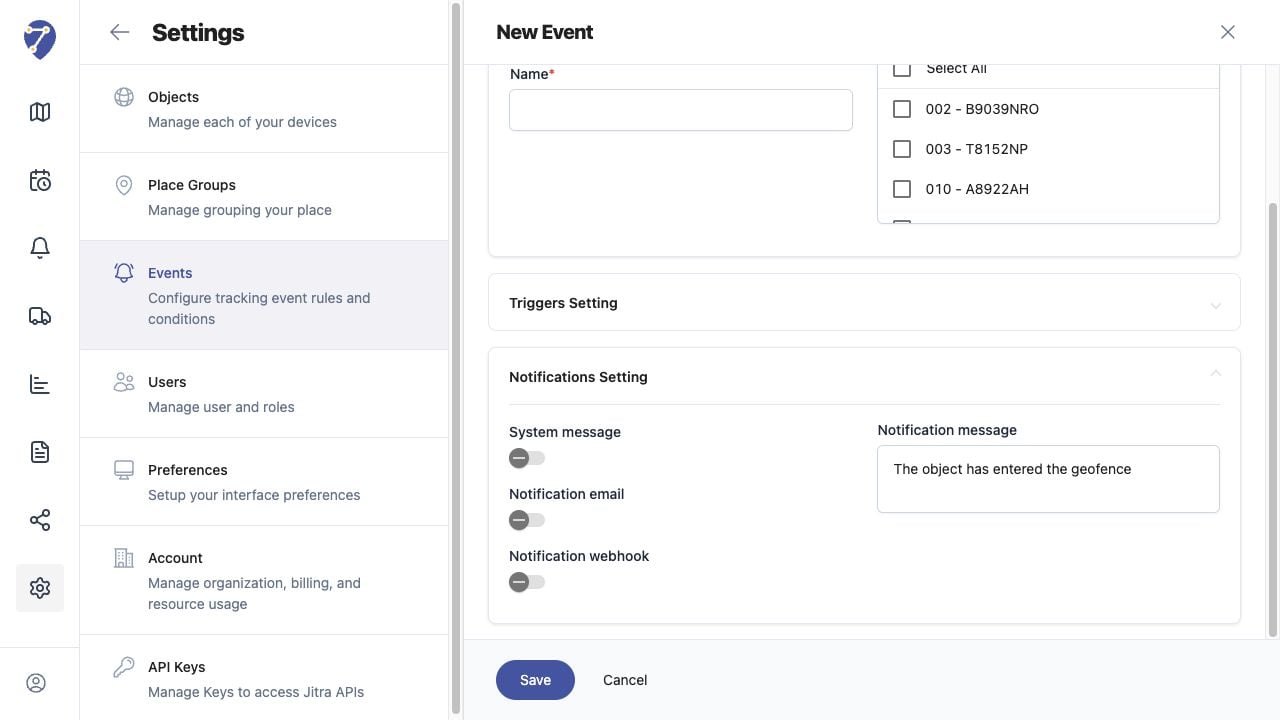
Understanding Webhooks screen on Jitra staging

Reviewing the Result

Confirm the saved or displayed information matches the intended Object, users, period, and Organization workflow.

If the Issue Continues

Review required fields, access permissions, available data, and Organization limits. Contact an Organization administrator or Jitra support when the required control is unavailable.