
Deactivate access when a user should temporarily or permanently stop using the Organization, and delete only when removal is appropriate.

What to Check

  • Confirm the correct user and business approval.
  • Review Roles and resource assignments.
  • Use Deactivate when access may need to be restored.
  • Use Delete only when available and retention requirements permit it.
  • Superadmin protections can disable these actions.

Current Jitra Workflow

Open the user action menu. Jitra can disable Deactivate or Delete for protected accounts such as the active superadmin.
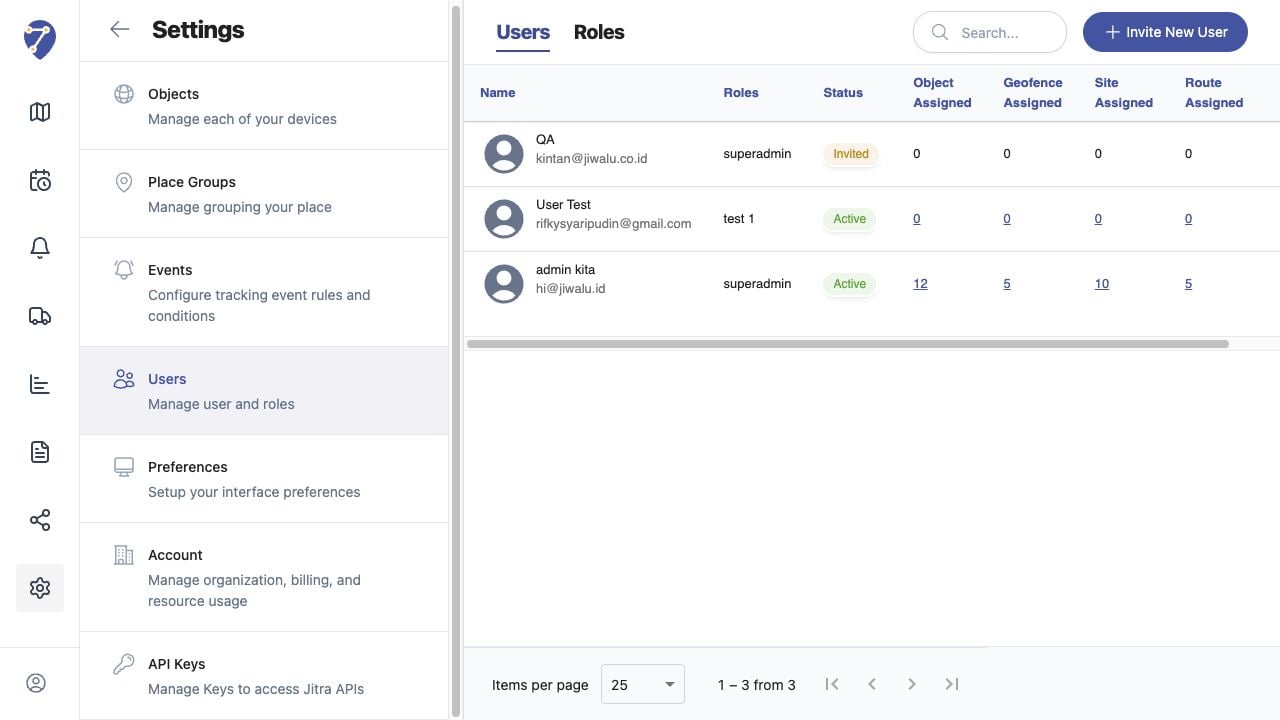
Deactivating or Removing Users screen on Jitra staging

Reviewing the Result

Confirm the saved or displayed information matches the intended Object, users, period, and Organization workflow.

If the Issue Continues

Review required fields, access permissions, available data, and Organization limits. Contact an Organization administrator or Jitra support when the required control is unavailable.