
Effective user access combines Role permissions with explicit resource assignments.

What to Check

  • Assign the correct Role.
  • Use Assign Objects, Assign Geofences, Assign Sites, and Assign Routes.
  • Review assignment counts in the Users table.
  • Test with the affected user when access changes.

Current Jitra Workflow

Open the user’s action menu and select Assign, then choose the resource type. Role changes are handled through Edit.
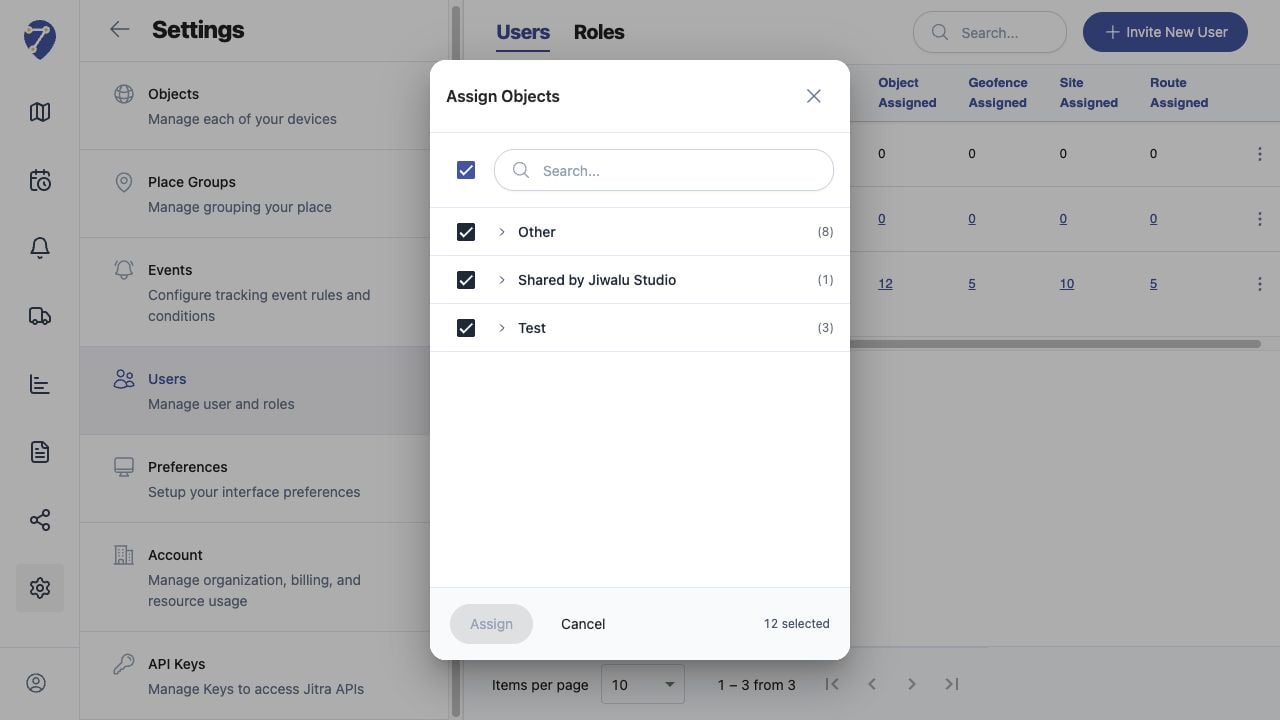
Managing User Permissions screen on Jitra staging

Reviewing the Result

Confirm the saved or displayed information matches the intended Object, users, period, and Organization workflow.

If the Issue Continues

Review required fields, access permissions, available data, and Organization limits. Contact an Organization administrator or Jitra support when the required control is unavailable.