
Roles group permissions so users receive only the Jitra capabilities required for their work.

What to Check

  • Permissions are grouped by domains such as org, object, event, place, auth, report, share, and fleet.
  • Read, Create, Update, and Delete can be granted separately.
  • Select All and Select All By Group speed up selection.
  • Least privilege reduces accidental or unauthorized changes.

Current Jitra Workflow

Open Settings > Users > Roles to review Role names and descriptions, then create or edit a Role to inspect permissions.
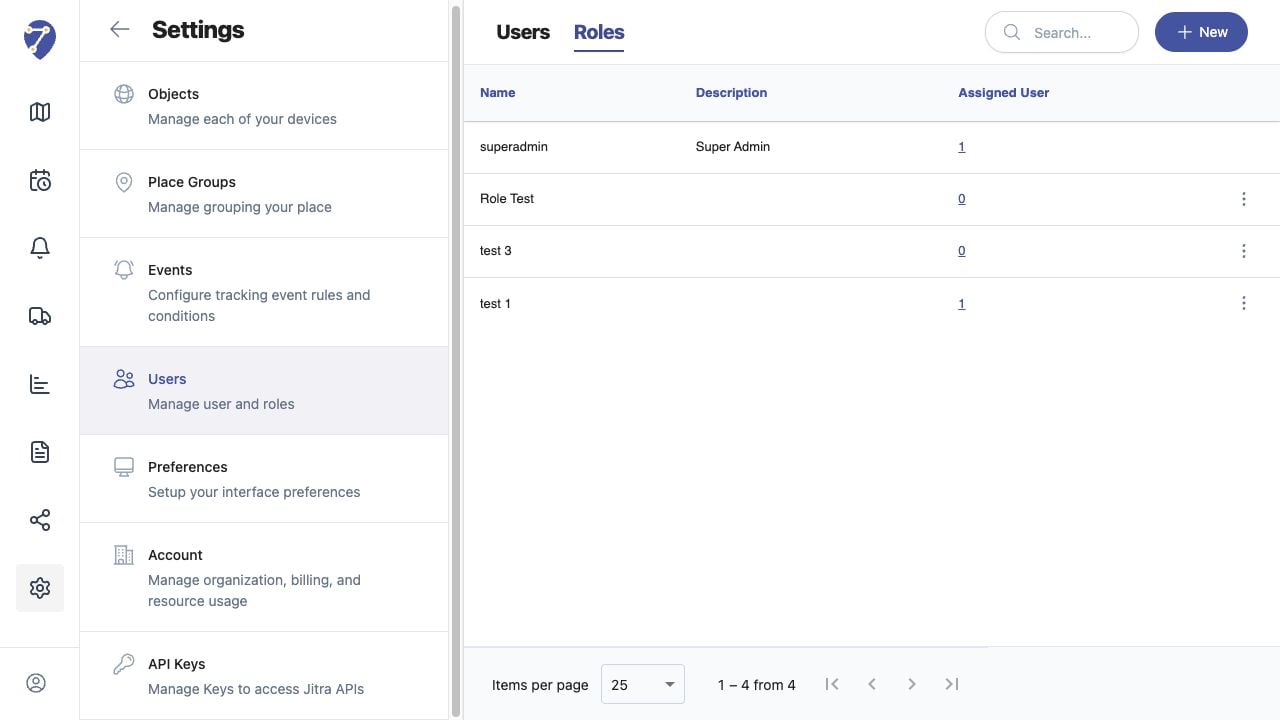
Understanding Roles and Permissions screen on Jitra staging

Reviewing the Result

Confirm the saved or displayed information matches the intended Object, users, period, and Organization workflow.

If the Issue Continues

Review required fields, access permissions, available data, and Organization limits. Contact an Organization administrator or Jitra support when the required control is unavailable.