
Invite New User creates an invitation using the person’s name, email, and one or more Roles.

What to Check

  1. Open Settings > Users and click Invite New User.
  2. Enter Name and Email.
  3. Select at least one Role.
  4. Review the selected Roles.
  5. Click Save and confirm the user appears with Invited status.

Current Jitra Workflow

After saving, the user appears with Invited status until the invitation flow is completed.
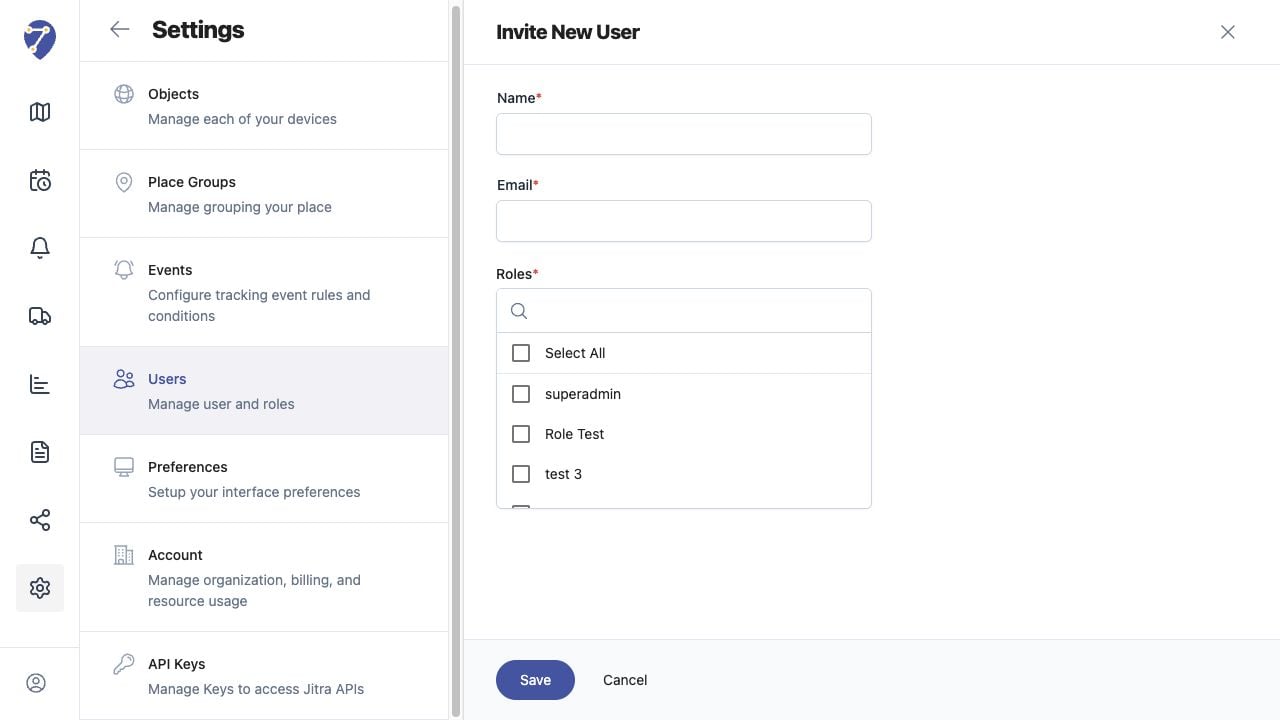
Inviting Users to Your Organization screen on Jitra staging

Reviewing the Result

Confirm the saved or displayed information matches the intended Object, users, period, and Organization workflow.

If the Issue Continues

Review required fields, access permissions, available data, and Organization limits. Contact an Organization administrator or Jitra support when the required control is unavailable.