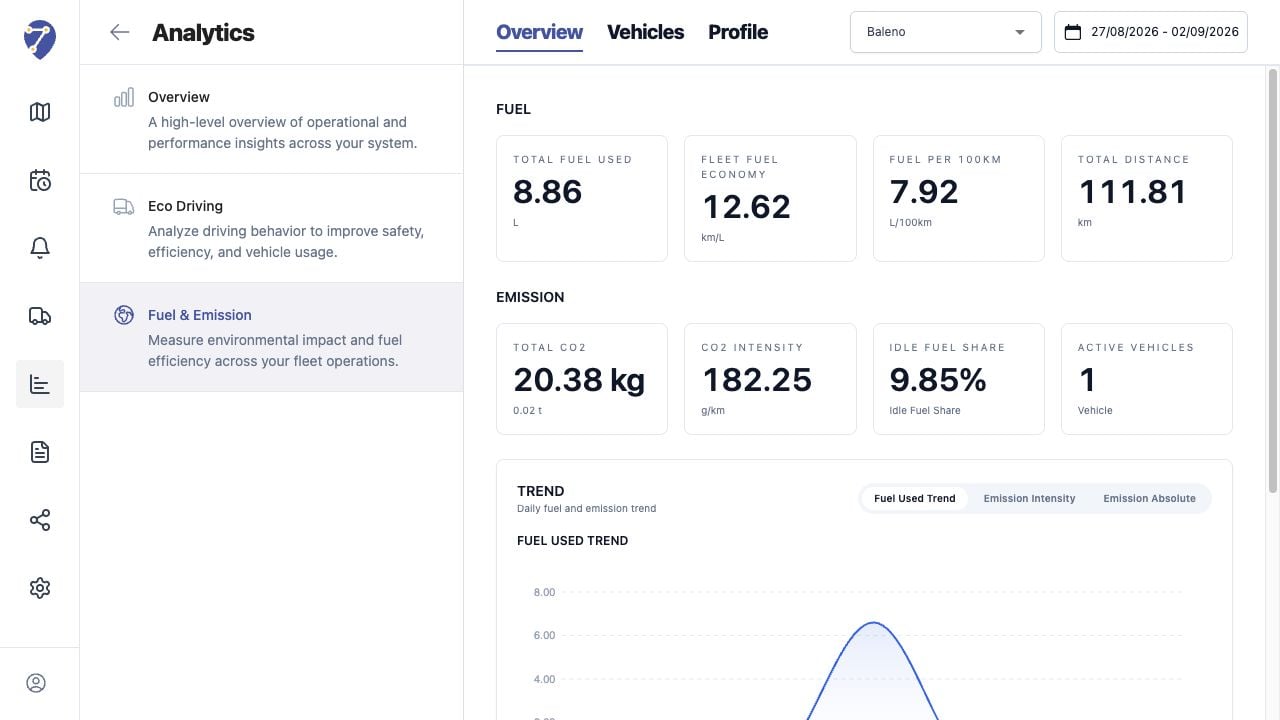
Fuel & Emission Overview summarizes calculated fuel and CO2 results for the selected Profile and period.

Loading the Overview

  1. Open Analytics > Fuel & Emission > Overview.
  2. Select a Profile.
  3. Select the required date range.
Viewing Fuel & Emission Overview in Jitra staging

Reading Fuel Metrics

  • Total Fuel Used
  • Fleet Fuel Economy
  • Fuel per 100km
  • Total Distance

Reading Emission Metrics

  • Total CO2 in kg and tonnes
  • CO2 Intensity in g/km
  • Idle Fuel Share
  • Active Vehicles

Reading Trend

Switch between Fuel Used Trend, Emission Intensity, and Emission Absolute to change the daily chart.

Reviewing Vehicle Rankings

Top Fuel Used Vehicles highlights absolute fuel use. Worst CO2 Intensity Vehicles identifies the highest emissions per distance.

Interpreting the Result

Compare only results that use a consistent Profile and suitable date range. Investigate unexpected distance or idle time in History before changing calculation factors.